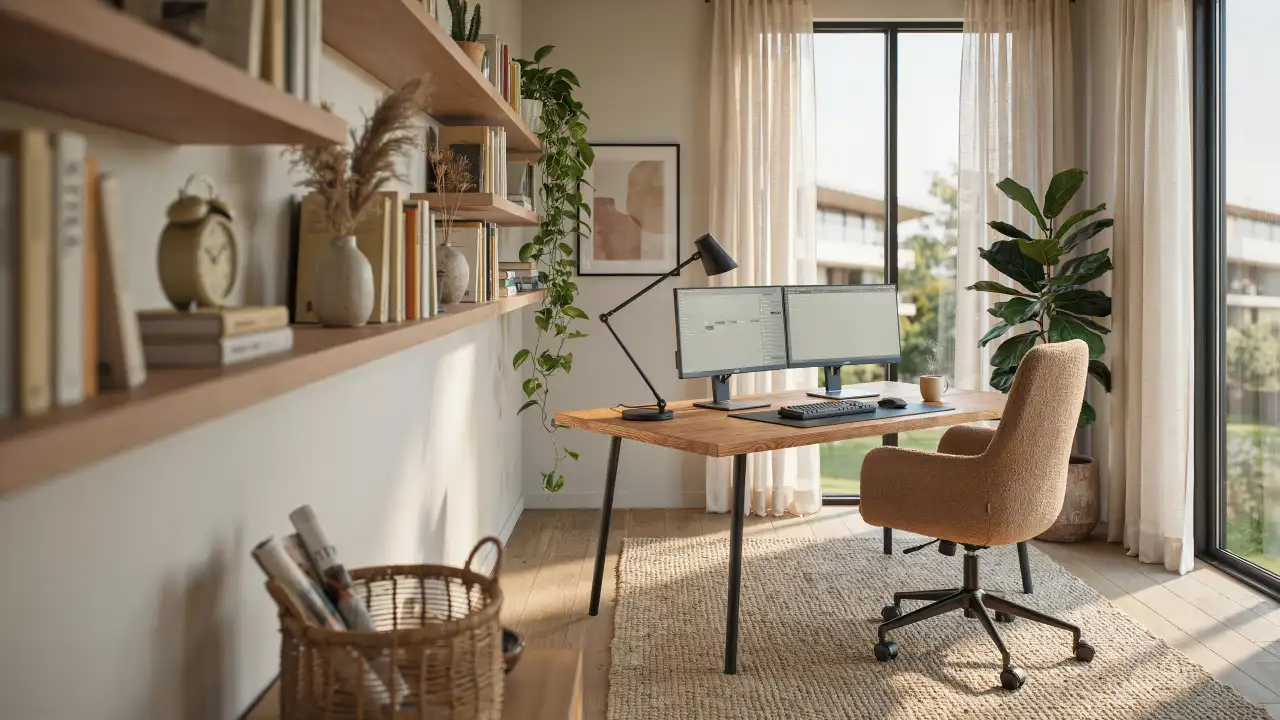
Your home office doesn’t feel professional because your desk faces a blank wall and your chair blocks the window. The room doubles as a storage closet, and every video call requires strategic camera angles.
Most people design home offices backward. They pick a desk first, then wonder why the room feels cramped. Skipping home office storage ideas is exactly how people end up redesigning the same corner twice.
Small adjustments create real change. The right lighting angle and surfaces that stay clear make this somewhere you actually want to spend eight hours.
The Wall Every Home Office Gets Wrong
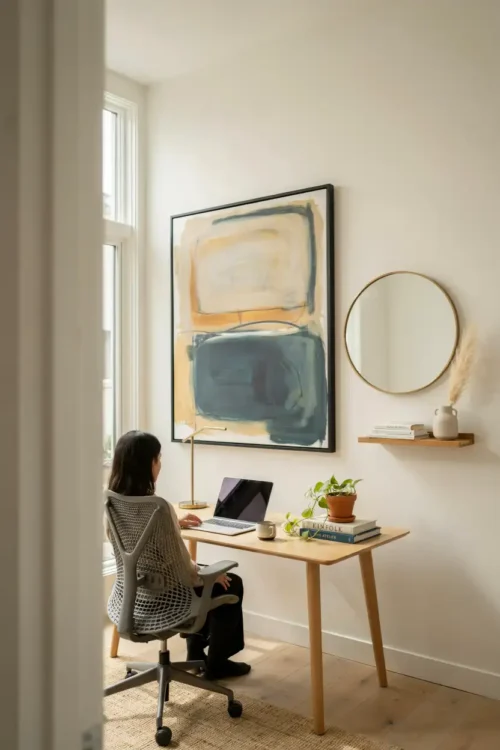
You spend eight hours looking at whatever is directly in front of you. Most home offices position the desk facing a blank wall, which creates a claustrophobic feeling by noon.
A window behind your desk changes the entire room. If windows aren’t an option, a large mirror on the wall ahead bounces light and creates the illusion of more space. The desk immediately feels less like a cubicle.
This is the detail people skip. They think “a desk is a desk” and miss that your brain spends the entire workday staring at that wall.
The Desk Depth Every Home Office Needs
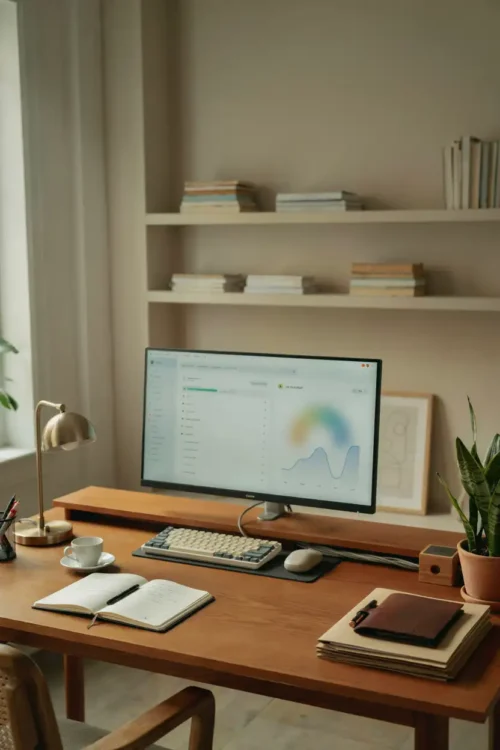
A shallow desk forces everything into vertical stacks. Your monitor, keyboard, and papers compete for the same eighteen inches of space, which means nothing has a home.
A deeper desk (at least 30 inches) creates three zones: the back for your monitor, the middle for your keyboard and mouse, and the front edge for active projects. Cable clutter moves to the back corner instead of tangling across your workspace.
Deeper doesn’t mean bigger in the room. It just means your actual work surface breathes.
Natural Light From the Side
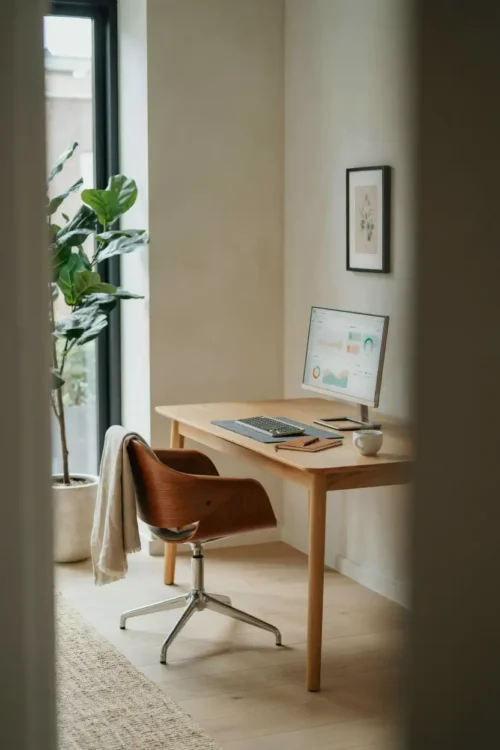
Direct light behind you creates screen glare that makes video calls feel like a staring contest. Light from the front washes out your face on camera.
Positioning your desk perpendicular to a window gives you ambient light without glare. Your face looks lit, your monitor stays readable, and the room feels less like a bunker.
This single detail changes how you feel by 3 PM when eye strain usually kicks in.
The Cable Management That Lasts
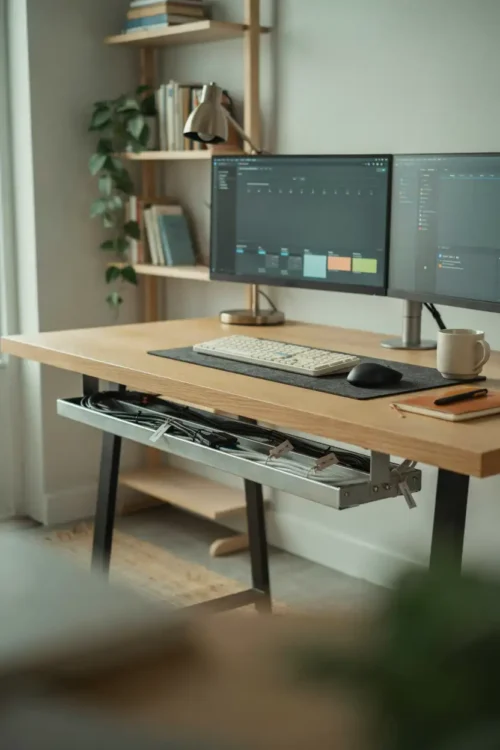
Cables collect behind desks like dust bunnies multiply in closets. One charging cable becomes seven, then you’re reaching behind the desk to unplug something and pulling everything down.
A cable tray mounted under the desk keeps wires grouped and off the floor. Label each one so you know which cable does what without the archaeological dig. The back of your desk stays clean instead of becoming a tangled nest.
Most setups fail here because nobody plans cable routes until the mess already exists.
The Monitor Height That Stops Neck Pain
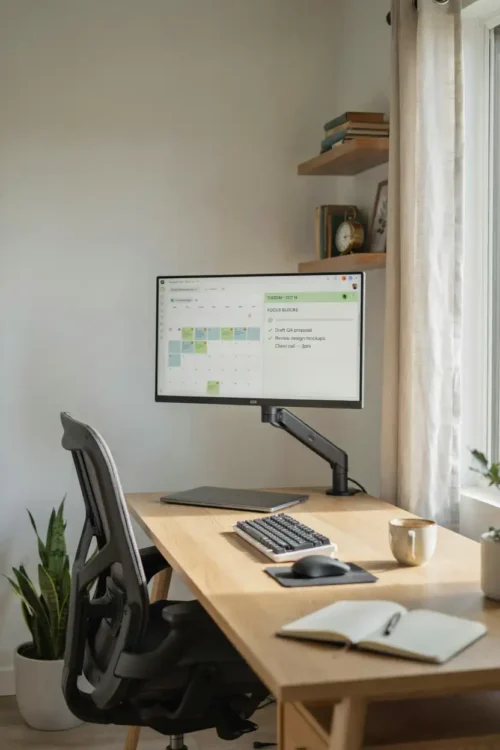
A monitor sitting on the desk surface forces your neck down, which creates pain that radiates all afternoon. Your shoulders tense up without you noticing until the headache arrives.
The top of your monitor should sit at eye level when you’re sitting normally. A monitor stand or adjustable arm positions it correctly without eating desk space. Your neck stays neutral, your shoulders relax, and the headaches stop.
This is not optional if you work here for more than four hours a day.
The Floating Shelf Above Your Desk
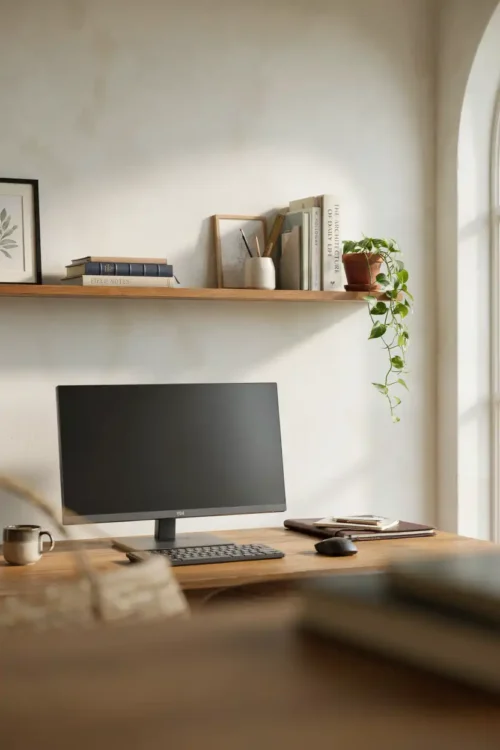
Your desk surface already holds a monitor, keyboard, and mouse. Adding a printer, files, and supplies turns it into a cluttered staging area instead of a workspace.
A narrow floating shelf mounted 12 inches above your desk holds notebooks, reference materials, and supplies without eating desk depth. Everything is visible but not in your hands-on zone. The desk suddenly has room for actual work.
Most setups never use vertical space because nobody thinks of it during planning.
The Ergonomic Chair That Fits Your Body
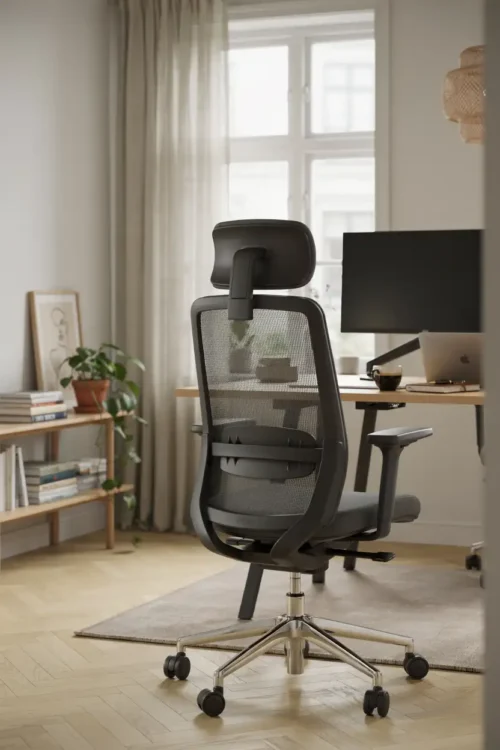
A dining chair looks fine for an hour. After six hours, your lower back reminds you that you made a mistake. Your legs go numb because the seat is too high and there’s no lumbar support.
An actual office chair costs less than a new couch and changes the entire experience. Your back gets support, your feet stay flat, and you can adjust the height to match your desk. The difference between “I can work here” and “I dread sitting down” is one chair.
Skipping this is the false economy that hurts most.
The Accent Wall That Defines the Space
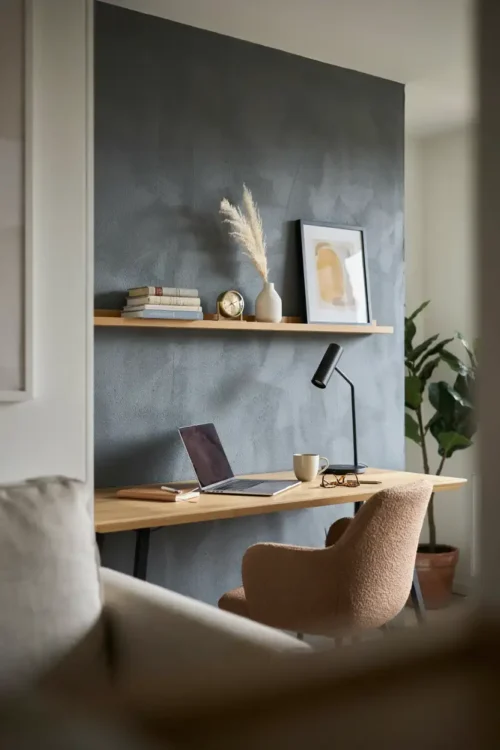
A home office in a corner of your bedroom blurs work and rest. The space doesn’t feel intentional because it doesn’t look different from anywhere else in the house.
Painting the wall behind your desk a deep color — charcoal, forest green, navy — frames your workspace visually. It signals to your brain that this corner is different from the rest of the room. The space immediately feels more professional without looking corporate.
This is where people stop too early. If you’re working with a tight layout, these desk organization ideas for small spaces show exactly how to make a cramped corner feel deliberate.
The Task Lighting That Fills In Shadows
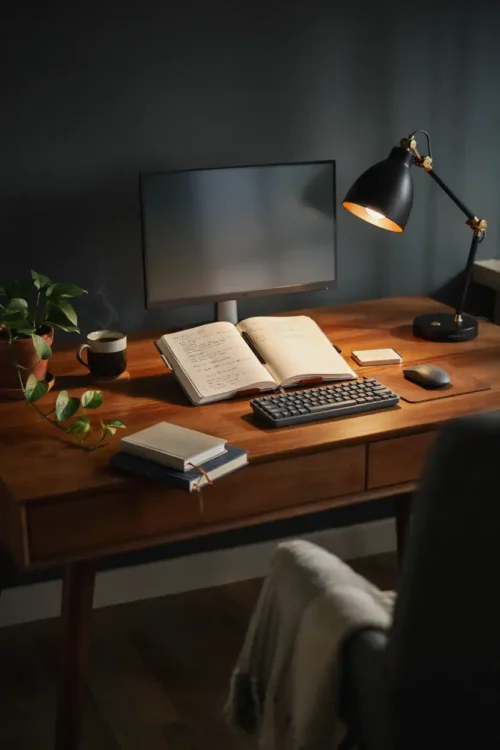
Overhead ceiling light casts shadows across your desk, which means your work surface stays dimly lit. You lean closer to see details, which strains your eyes and hunches your shoulders forward.
A desk lamp with an adjustable arm fills the shadows without creating screen glare. Position it to the side of your monitor so light hits your work surface directly. Your eyes stay comfortable for the entire workday.
Most offices get this wrong by relying on ceiling light only.
The Rug That Anchors The Space
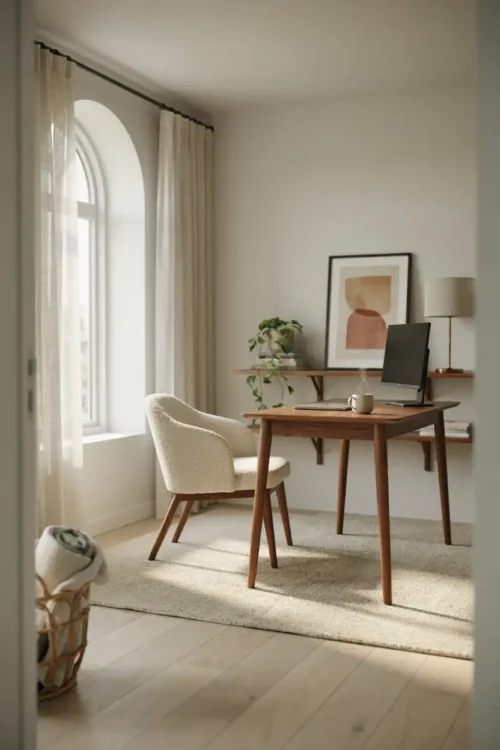
A home office without a rug feels like a workstation that was crammed into leftover space. The desk floats in the room with no visual connection to the rest of the area.
A rug under and in front of your desk defines the workspace. It quiets sound, adds warmth, and creates a psychological boundary between “work zone” and “everything else.” The room suddenly feels intentional instead of accidental.
This detail costs thirty dollars but changes how the entire space feels.
The Door Position That Blocks Distractions
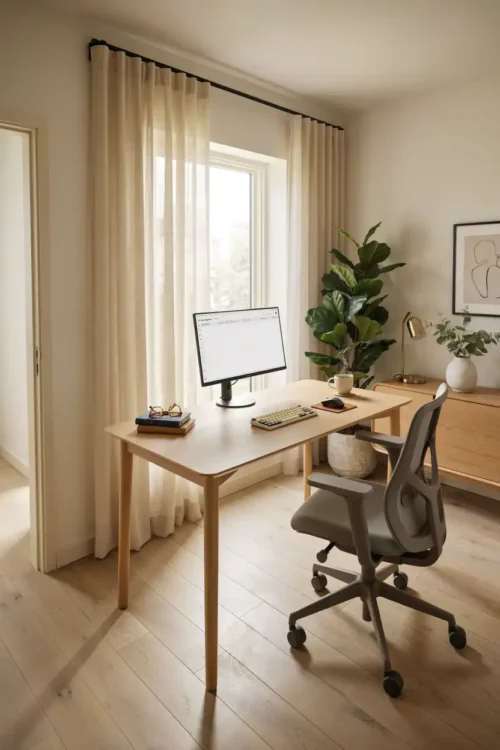
If your office door opens directly onto a busy hallway or living room, every movement in the house pulls your attention. You’re constantly aware of activity outside your focus zone, which fractures your concentration all day.
Positioning your desk so you can see the door without the door being directly in your sightline solves this. You know when someone’s there without being startled, and people see you’re actually working instead of just sitting at a desk. The room becomes a genuine barrier to distraction.
Most people never think about this until they notice how often they lose focus.
The Second Monitor That Stops Tab Chaos
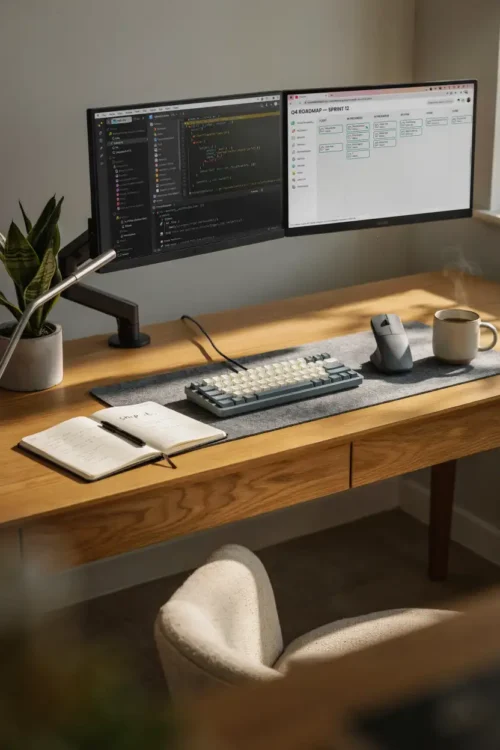
Working on a single monitor means constant switching between windows. You’re flipping between your email, spreadsheet, and reference documents all day, which fragments your attention and slows everything down.
A second monitor (even a smaller one) lets you keep multiple windows open simultaneously. Reference material stays visible while you work on the main task. Productivity doesn’t skyrocket, but the constant mental switching stops, which means your focus deepens and mistakes drop.
This is one of the highest return-on-investment upgrades you can make.
The Filing System That Isn’t A Pile
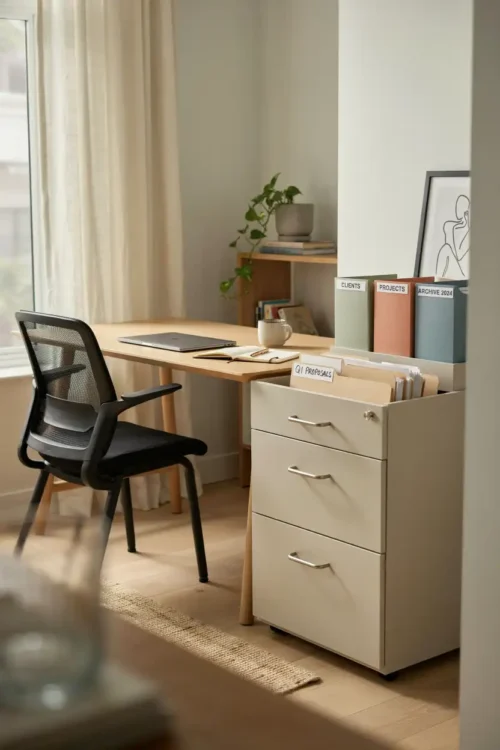
Papers end up in stacks on your desk, your nightstand, and the floor because there’s no designated home for them. “I’ll file it later” becomes a three-foot stack by next month.
A narrow filing cabinet beside your desk or a wall-mounted file sorter gives papers a specific place immediately. The moment something comes through your door, it goes into the system instead of a pile. Your desk stays clear, and important documents don’t disappear into chaos.
This stops happening the moment you have a physical system instead of hoping you’ll stay organized.
The White Noise That Blocks Sound
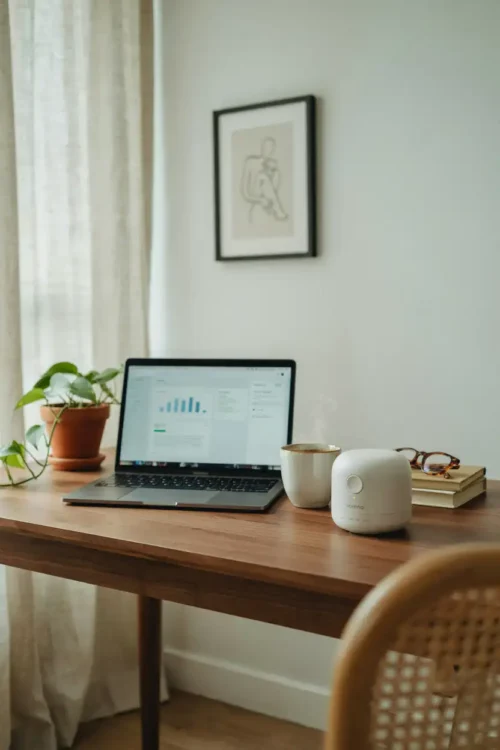
Silence in a home office isn’t peaceful—it’s oppressive. Every sound from the rest of the house pulls at your attention (the dishwasher starting, someone walking by, a door closing). Your brain is constantly monitoring your environment instead of focusing on work.
White noise or ambient sound (a fan, nature sounds, lo-fi music) fills the acoustic space and lets your brain stop listening. You can focus on the actual task instead of cataloging every sound in the building. The work gets done faster because your attention doesn’t scatter.
Most people never try this because they think quiet should be better.
The Storage Unit That Hides The Mess
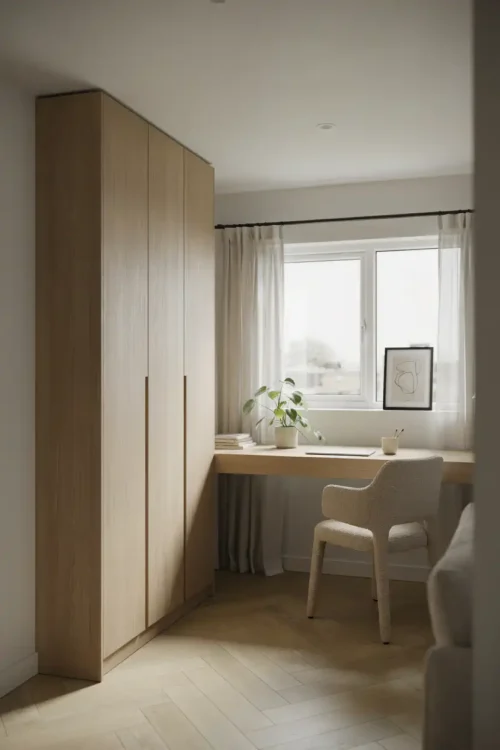
Your office supplies, extra paper, and backup equipment sit on shelves, taking up valuable desk surface and wall space. The room looks cluttered because everything is visible, even the stuff you use once a year.
A tall, narrow storage cabinet against one wall contains all of it. Your office looks intentional instead of overstuffed, and everything still has a home. You can close the door when you’re on a video call instead of explaining why you have seventeen pens on your shelf.
This is where the room stops looking like a storage closet and starts looking like a workspace.
The Window Treatments That Control Light
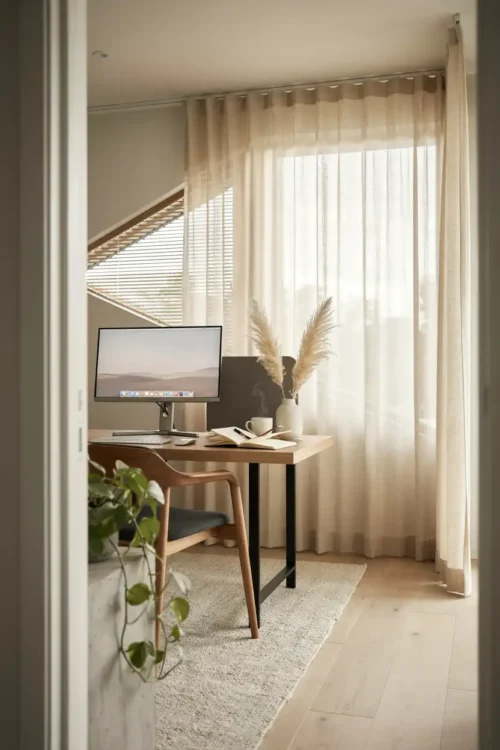
Direct sunlight through your office window creates brightness that overwhelms your monitor screen by midday. You’re fighting glare instead of reading your screen, which strains your eyes and kills productivity.
Adjustable blinds or sheer curtains let you control light without blocking the view completely. Morning light comes through, afternoon glare is managed, and you can close them entirely if you need to focus during peak sun hours. Your monitor stays readable, and the room stays pleasant.
Most offices accept bad lighting because nobody realizes how much it matters until they fix it.
The Desk Pad That Defines Your Workspace
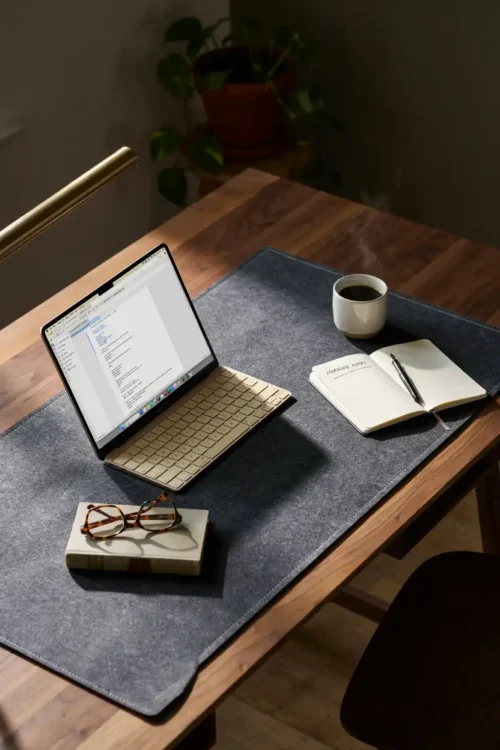
Your desk surface is bare laminate or wood, which means your keyboard, mouse, and papers slide around. Every movement feels slightly sloppy because nothing has grip or stability.
A large desk pad creates a defined work zone and gives your keyboard and mouse a stable surface. It’s a small detail that makes the entire setup feel more intentional and organized. The desk suddenly has visual boundaries instead of just being empty surface.
This is one of those upgrades that costs twenty dollars but makes the space feel completely different.
The Plants That Soften The Space
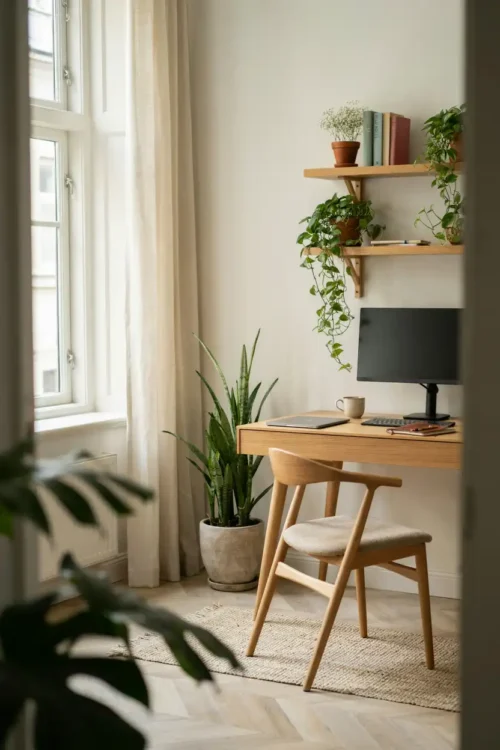
A home office with only desk, chair, and monitor feels sterile and corporate. The room lacks any warmth or life, which makes spending eight hours there feel like punishment.
One or two plants in corners add oxygen, soften hard edges, and make the space feel less like a cubicle. They don’t need to be high-maintenance—a pothos or snake plant survives office light and irregular watering. The room immediately feels more human.
This detail is skipped because people think plants are decorative. They’re actually part of the workspace atmosphere.
The Acoustic Panel That Stops Echo
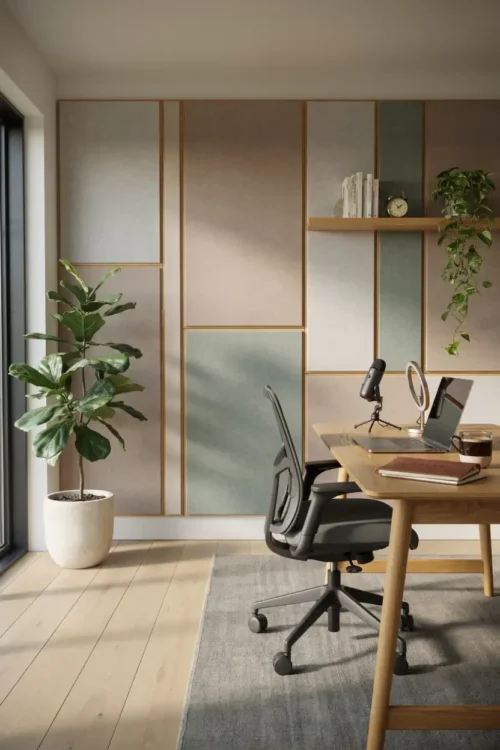
Your voice sounds hollow and distant on video calls because the hard surfaces in your office bounce sound everywhere. You’re fighting background noise and strange acoustics without realizing that’s the actual problem.
An acoustic panel on the wall behind your desk (or a fabric tapestry that does the same job) absorbs sound instead of bouncing it. Your voice comes through clearly on calls, and background noise drops noticeably. The room stops sounding like a cave.
Most people think this is only necessary for serious recording. It’s actually just standard home office comfort.
The Desk Legs That Create Space Below
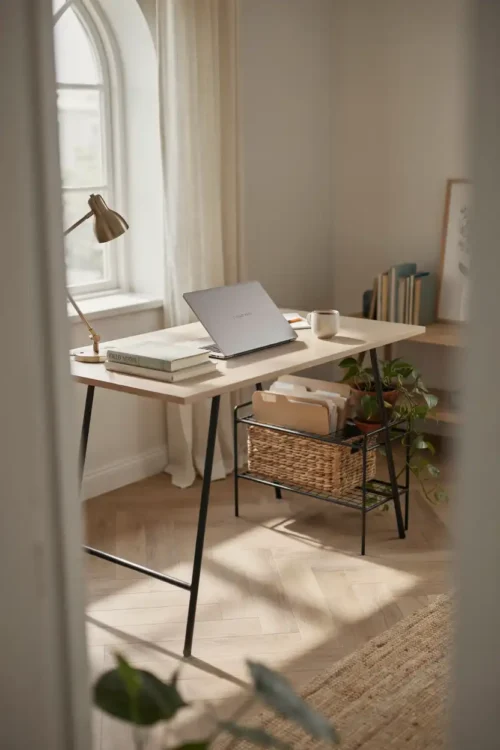
A desk with a solid panel front takes up visual space even when nothing is stored there. The room feels bulkier because the eye can’t see through to the floor, which makes the space feel cramped.
Open desk legs (metal stands or slim supports) let sightlines travel through the space. Your office looks less cramped, and you can actually fit storage or leg room underneath. This single detail makes a small room feel significantly larger.
This is an invisible detail that changes everything about how spacious the room feels.
The Work Flow That Matches Your Brain
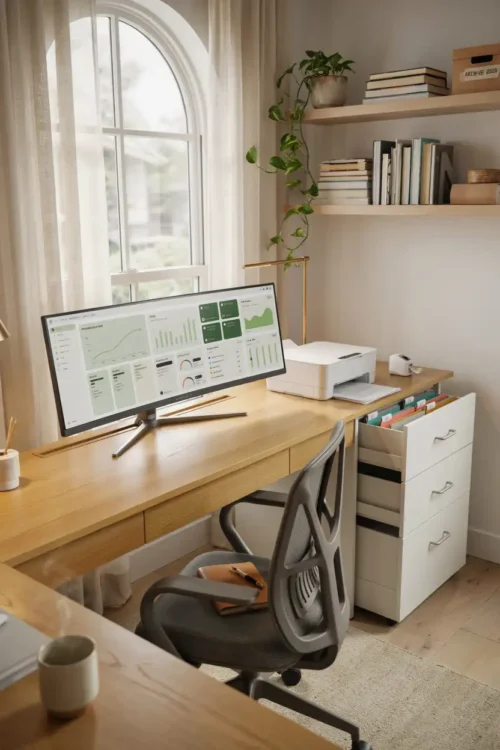
Your desk faces away from your door, so you jump every time someone enters. Your filing cabinet is across the room from your desk, which means constant back-and-forth trips for documents. Your printer is in the hallway because space is tight, but you’re constantly leaving your workspace to check it.
The real design is about your actual workflow. Your monitor, keyboard, printer, and most-used files should create a logical circuit. You don’t waste energy on unnecessary movement, and the room stops feeling disorganized because everything serves the actual work.
This is where most home offices fail completely. They look fine but feel inefficient because nobody planned how the space actually gets used.
Final Thoughts on Home Office Design
A modern home office isn’t about looking professional—it’s about working comfortably for eight hours without your body aching or your focus splintering. The chair matters more than the desk color. The monitor height matters more than trendy décor. Light matters more than motivation.
Small changes compound. Better chair plus better lighting plus monitor height equals an entirely different experience. You stop dreading the workspace and start protecting it as your actual working environment instead of a corner where you shove a desk.
The real design happens in the details nobody thinks about until they fix them.
FAQ About Home Office Design
What’s the minimum desk depth for a functional workspace? At least 30 inches. Anything shallower forces everything into stacks, and your workflow becomes inefficient. If space is tight, go deep instead of wide.
Should my desk face a window or a wall? Ideally perpendicular to a window so you get natural light without glare or screen reflection. If your only option is facing a wall, hang a mirror or paint it a color that doesn’t feel oppressive.
How do I know if my chair is the right height? Your feet should sit flat on the floor with your knees at a 90-degree angle. Your elbows should be at 90 degrees when your hands rest on the keyboard. If you’re reaching down or hunching up, the chair height is wrong.
Sarah Mitchell’s Take
I reorganized my own home office four times before I stopped fighting the layout and actually planned how I move through the space. The moment I mapped out my workflow instead of just arranging furniture, everything clicked. Turns out, a room designed around how you actually work feels completely different from a room that just looks nice.ot Storage