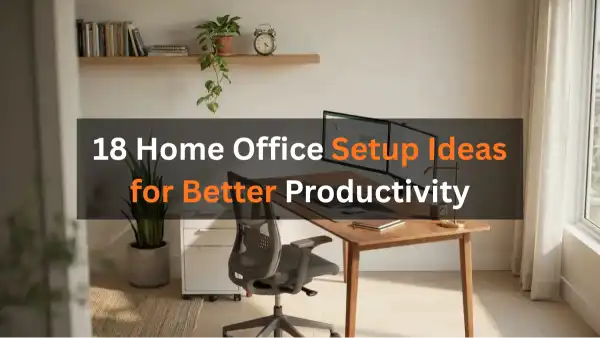
Your desk faces the wall. Light comes from behind you, throwing glare across the screen. Your chair wheels catch the rug every time you roll back, and three cords dangle behind the monitor collecting dust. This isn’t a productivity problem — it’s a setup problem.
Most home offices fail because nobody plans the physical space. They grab a desk, shove it somewhere, and wonder why work feels harder than it should. Skipping home office storage ideas is exactly how people end up rebuilding the same setup twice.
A few intentional changes eliminate daily friction. Place things where your hands naturally reach them, where your eyes don’t strain, where movement feels smooth instead of frustrating.
The Monitor Height Every Home Office Gets Wrong
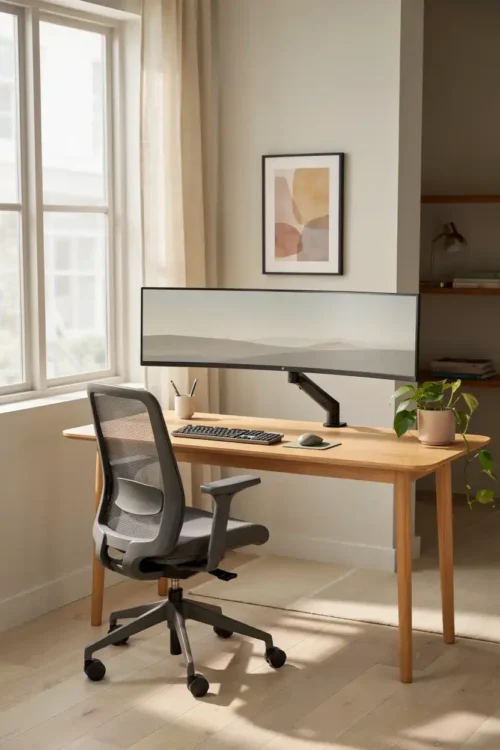
Most people place the monitor too low or too high, creating neck strain that builds quietly over hours. Your eyes should rest naturally on the upper third of the screen, not at the bottom.
A simple monitor arm or laptop stand puts the screen exactly where it belongs. Suddenly your neck stops aching by 3 p.m., and you don’t realize the problem existed until it’s gone.
This single change stops the invisible fatigue that makes afternoon work feel impossible. Your posture improves without you thinking about it.
Lighting That Doesn’t Wash You Out
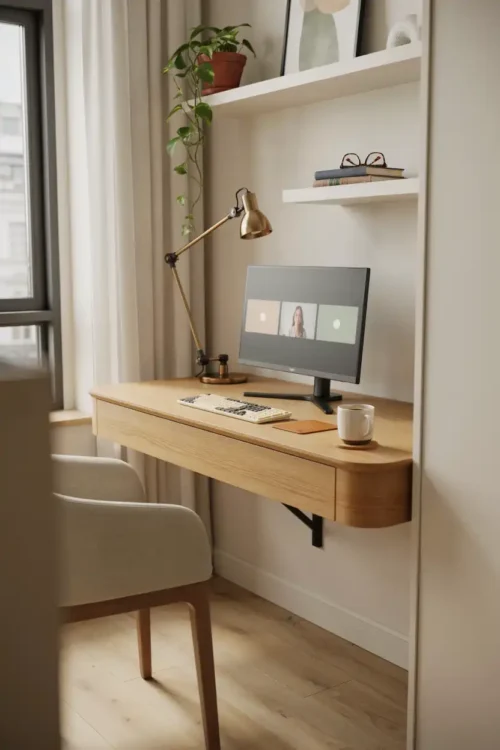
Overhead lights create shadows across your keyboard and glare on your screen. Your face looks tired in video calls because the light comes from above, casting your eyes into shadow.
A desk lamp positioned to the side eliminates glare and flatters your face during meetings. The workspace feels less clinical. Work stops feeling like fluorescent punishment.
Skipping this setup is exactly how you end up squinting through every video call and wondering why your eyes hurt. The right light costs fifteen dollars and changes everything.
The Chair That Actually Supports Your Back
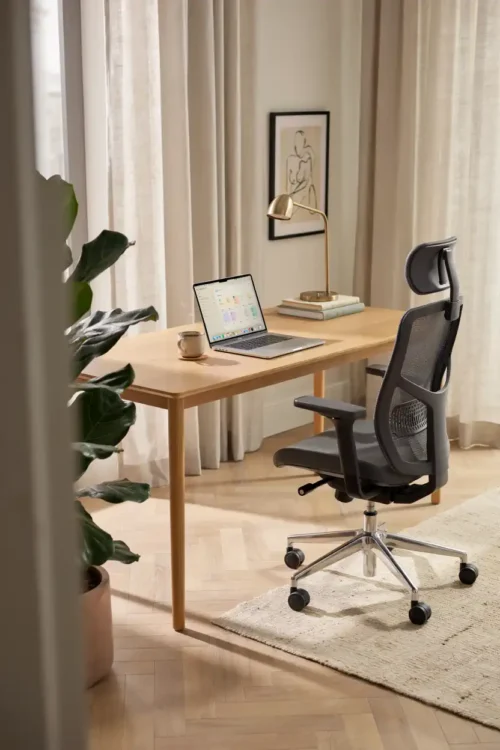
An office chair doesn’t need to cost eight hundred dollars. It needs armrests at the exact height of your desk, lumbar support that matches your spine curve, and wheels that roll smoothly without catching.
Most cheap chairs collapse after three months because they lack basic support. Your lower back pays the price. A mid-range chair from a furniture store ($150–$250) will outlast two years of work without your spine rebelling.
Sitting upright for six hours without support turns into chronic back pain by Friday. The right chair makes that pain disappear before it starts.
Keyboard and Mouse at Wrist Height
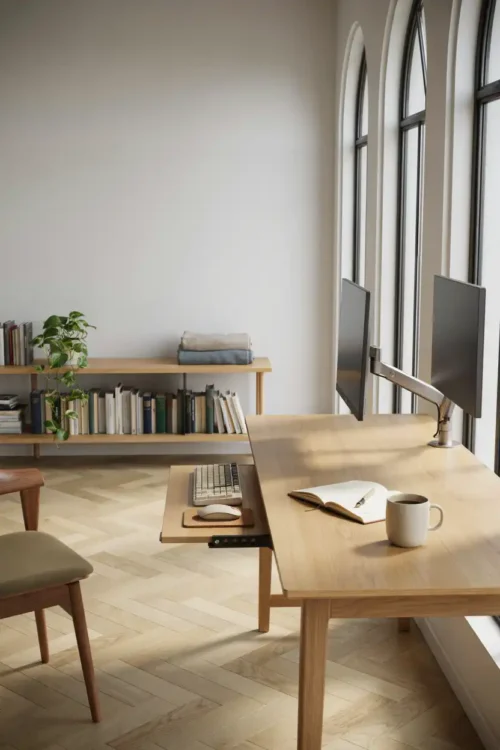
When your keyboard sits too high or too low, your wrists bend at an angle that builds tension through the day. By evening, your forearms ache, and you blame the work, not the setup.
An adjustable keyboard tray that sits level with your elbows keeps your wrists neutral. Your hands rest naturally. The aching stops.
This is a ten-dollar fix that prevents carpal tunnel from becoming inevitable. Most people ignore this until their wrists scream.
Cable Management Behind the Desk
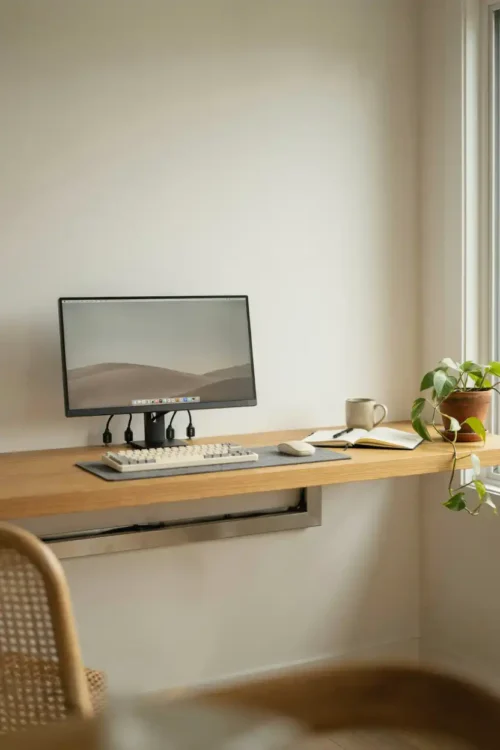
Three chargers, two USB cords, a headphone cable, and a printer cable create a nest behind your monitor. When you need to adjust something, you spend ten minutes untangling.
A cable raceway or clips organized by purpose keep cords contained and labeled. You can actually see what’s plugged in. Moving the desk doesn’t become a disaster.
Visible cable chaos doesn’t just look bad—it makes you less likely to reorganize the space when you need to. The clutter becomes permission to leave it messy.
The Shelf That Holds What Your Desk Can’t
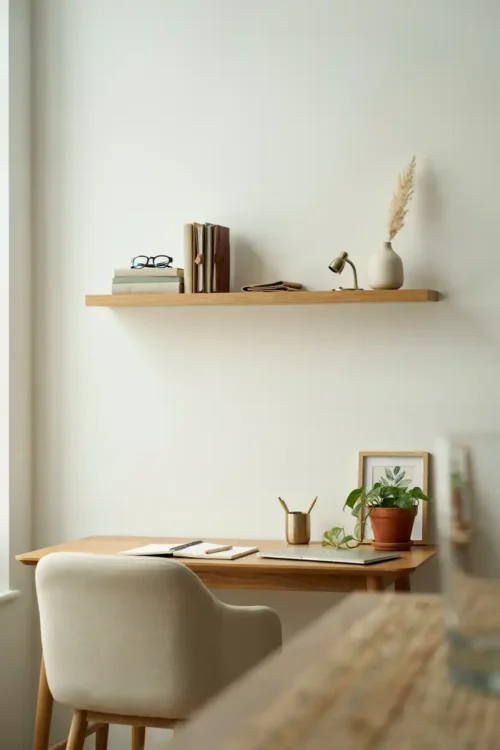
Your desk surface disappears under papers, notebooks, pens, and supplies you use occasionally. Everything feels cramped because your actual workspace is only six inches wide.
A floating shelf above or beside your desk holds reference materials, supplies, and decorations without eating desk depth. The surface immediately feels larger.
Most setups fail here because people add shelves but still pile everything on the desk. Moving those items up and back creates the breathing room your mind actually needs.
A Real Desk, Not a Folding Table
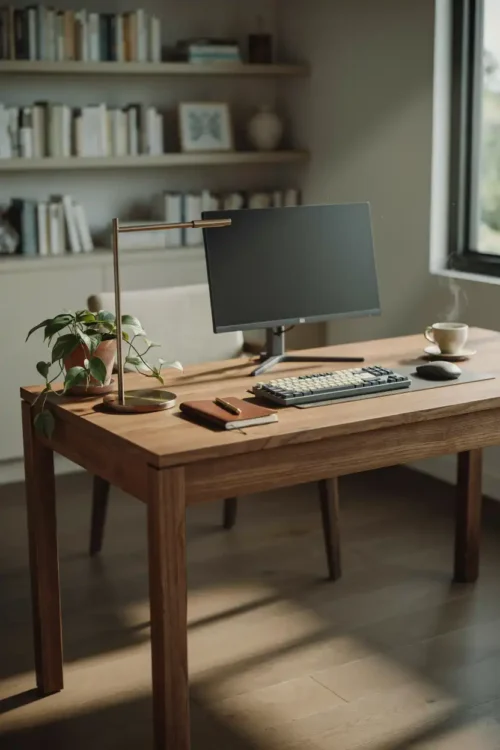
Folding tables feel temporary because they are. They flex when you lean on them, the height is wrong for your proportions, and they shake when you type. Your brain registers this instability and stays in task-switching mode.
A solid desk ($200–$400) feels permanent and grounded. The keyboard doesn’t bounce when you type. Work feels purposeful instead of makeshift.
This psychological shift is real. A real desk signals to your brain that this is your workspace, not a temporary setup. Productivity follows.
Separate Work and Living Zones
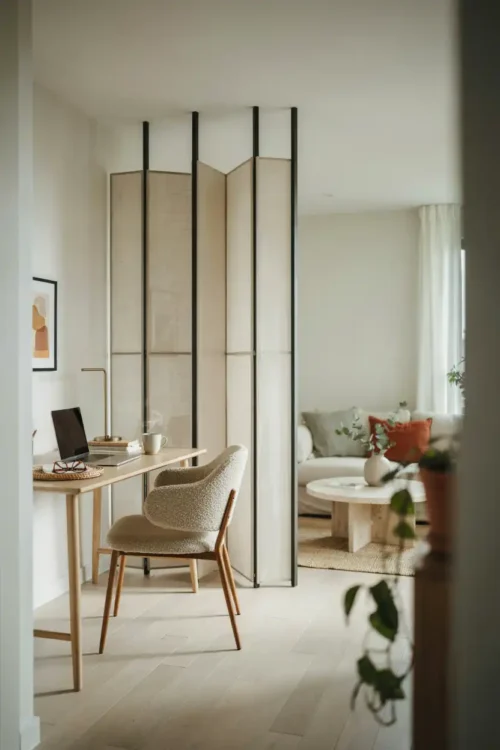
If your home office lives in the corner of your bedroom or the end of the couch, work and rest blur together. Your brain never fully switches to work mode, and it never fully switches off.
A physical boundary—even just a room divider or a closed door—separates the space. Work feels distinct. When you step away, you actually leave.
This doesn’t require a separate room. It requires a visual or physical line that says this side is work, that side is life. Your focus sharpens immediately.
A Second Monitor for Side-by-Side Work
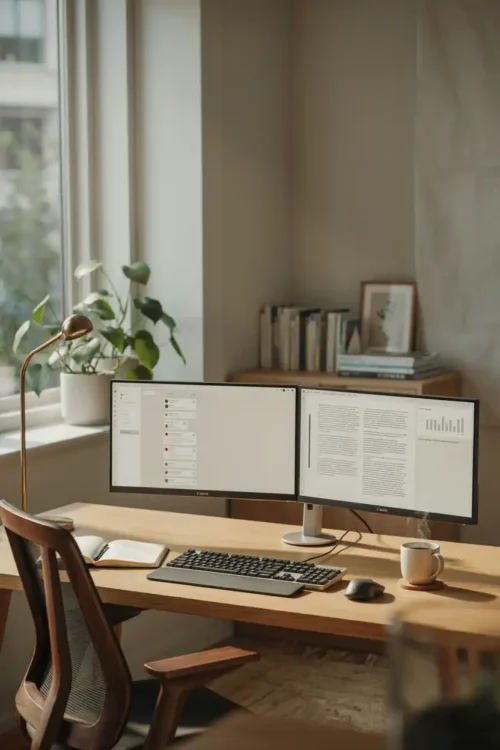
One monitor forces you to switch between windows constantly. You’re always reorganizing, minimizing, and hunting for the thing you need to reference.
Two monitors let you work on one while keeping reference material visible on the other. Your hands never pause to find something. The work flows.
This setup costs less than a hundred dollars for a used monitor and pays for itself in saved clicks and refocused attention. Most home offices stay single-monitor out of habit, not necessity.
Desk Drawer Organization by Frequency
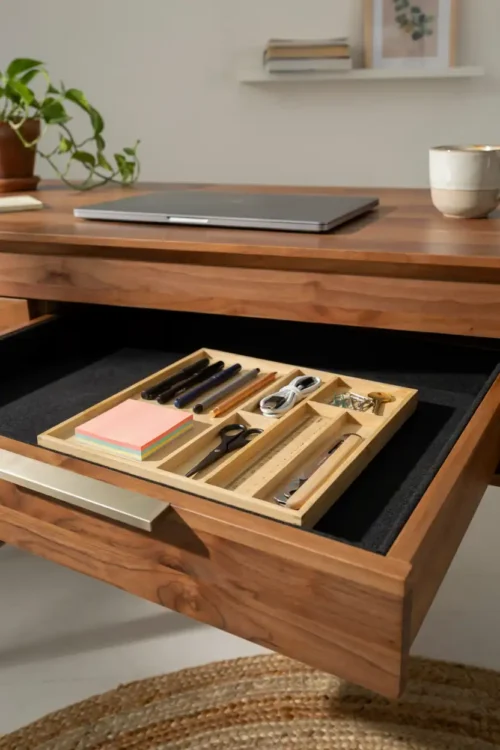
Your desk drawer holds pens you’ll never use, old business cards, batteries, and three USB cables. When you need a pen, you dig through the mess. The drawer becomes cluttered almost immediately.
Dividers separate the tools you use daily (pens, sticky notes, scissors) from occasional items (extra batteries, clips, old cables). The right pen appears instantly.
A disorganized drawer makes daily tasks feel slower than they are. Small friction stacks into visible frustration by afternoon.
The Footrest That Fixes Your Posture
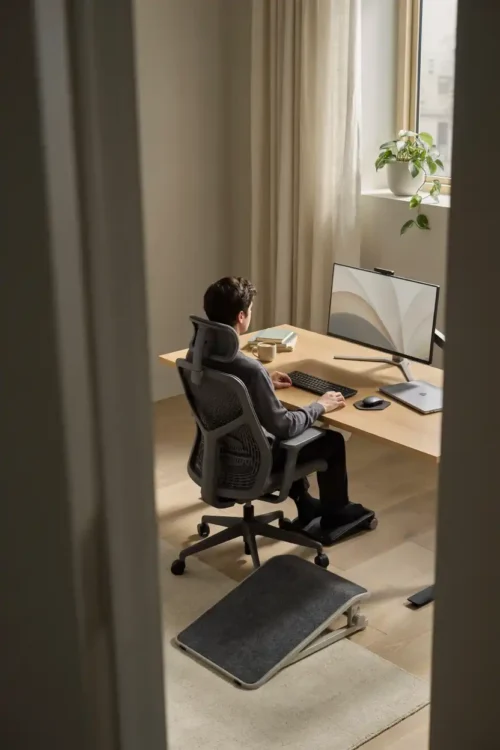
Your feet dangle from the chair, or they rest flat on the floor at an awkward angle. Your legs feel tired, and you shift constantly. This constant micro-movement breaks focus.
A footrest positions your feet flat and level, taking pressure off your lower back. Your sitting posture improves. The fidgeting stops.
This is another invisible problem that becomes obvious once it’s fixed. Your legs have been tense all day, and you didn’t realize it until they relaxed.
Desk Pad That Defines Your Workspace
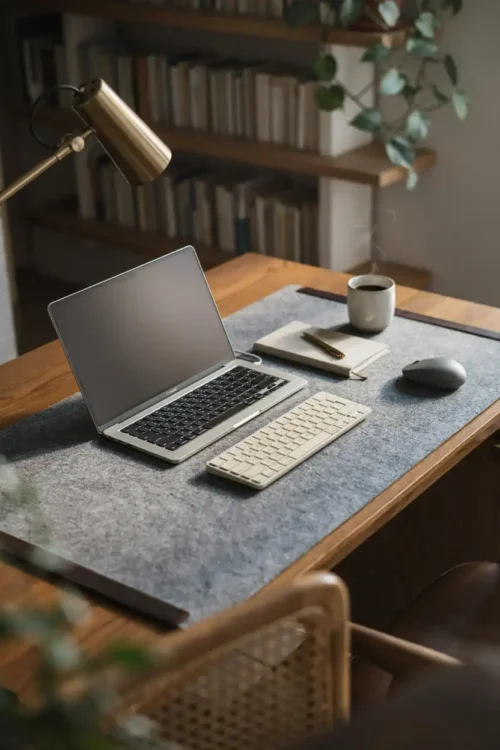
A bare desk looks larger, but your hands slide across the smooth surface when you’re working. Papers shift. Your mouse pad moves every time you reach for it. Small annoyances compound.
A quality desk pad creates friction and defines your workspace. Everything stays in place. Your hands know exactly where to move.
This is a psychological trick that works. A bounded space feels more intentional and focused than open desk territory.
Task Lighting Over the Keyboard Area
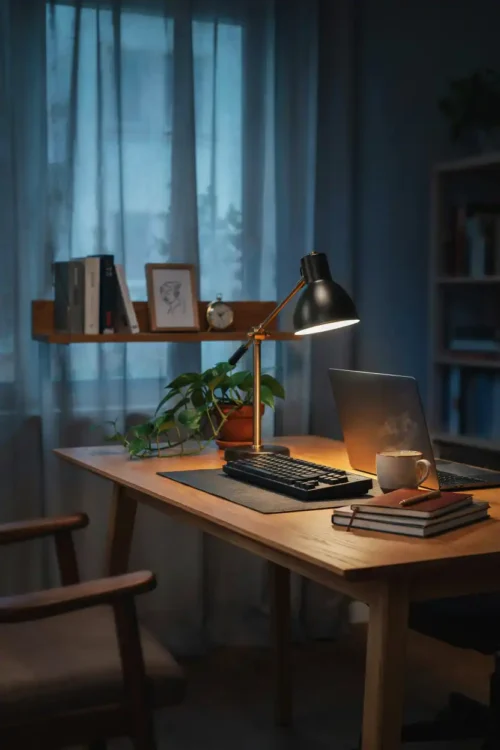
You have a desk lamp, but it casts shadows across your keyboard. You’re working in a shadow while trying to see your screen clearly. Your eyes work harder than they should.
A small gooseneck lamp mounted to the desk or monitor arm illuminates just the keyboard and immediate workspace. You can see what you’re typing. The eye strain vanishes.
Most setups have overhead light and one desk lamp. Adding targeted task lighting fills the gaps where shadows create invisible friction.
Noise Control Without Going Overboard
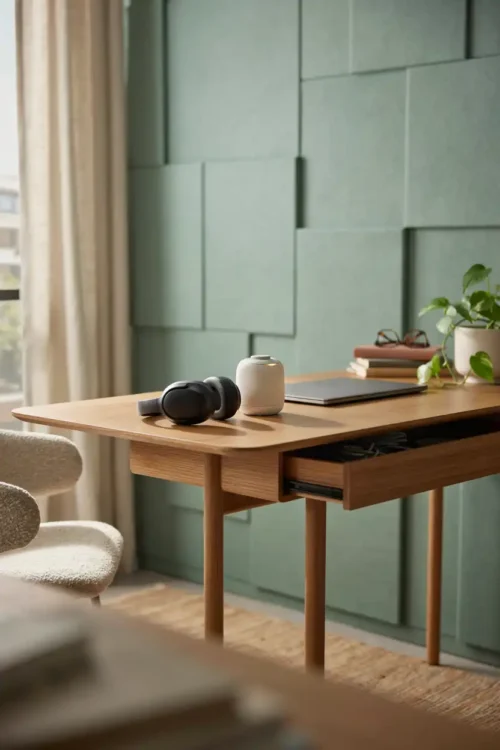
Every sound around you—neighbors talking, traffic, refrigerator humming—pulls your attention away from work. You don’t notice until the noise stops and you suddenly feel focused.
Acoustic panels on one wall, a white noise machine, or noise-cancelling headphones create a controlled sound environment. The distraction disappears.
This isn’t about silence. It’s about removing unpredictable noise that interrupts your thinking. Your focus deepens noticeably.
A Plant That Actually Survives
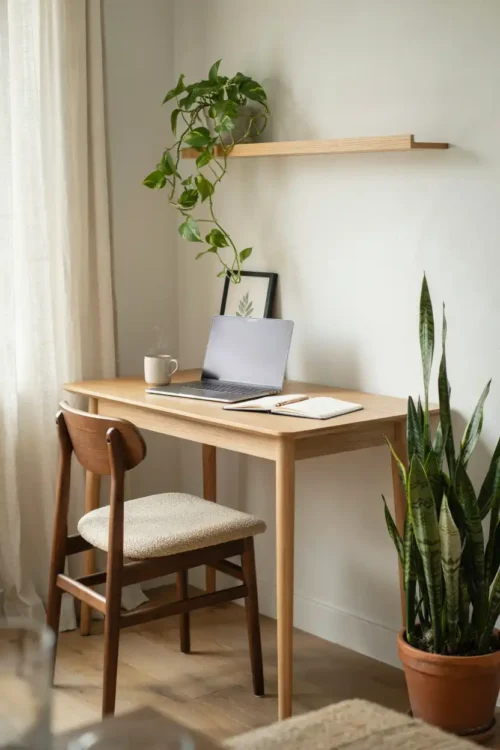
A dead plant on your desk is worse than no plant. It’s a constant visual reminder of neglect. A living plant creates oxygen and signals that you care about the space.
A pothos or snake plant tolerates low light and occasional neglect. It grows slowly and reminds you that living things thrive with basic care. The psychology is real.
A neglected plant becomes psychological clutter. A living one makes the space feel intentional and cared for.
Filing System Within Arm’s Reach
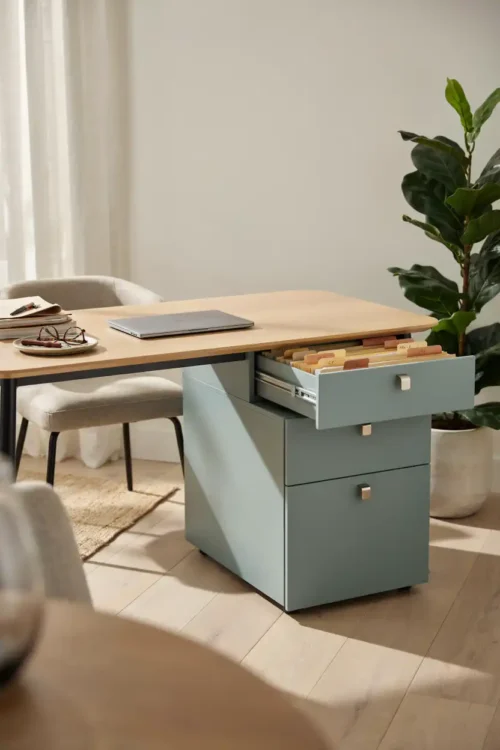
Papers pile on your desk because your filing system is in a cabinet across the room. It’s easier to pile than to stand up and organize. The pile grows into chaos.
A small filing box or drawer beside your desk keeps current papers organized and visible. At the end of each day, papers move from desk to file. The surface stays clear.
This is where most home offices fail. The system exists, but it’s too far away to use. Proximity changes behavior dramatically.
Water and Coffee Within Reaching Distance
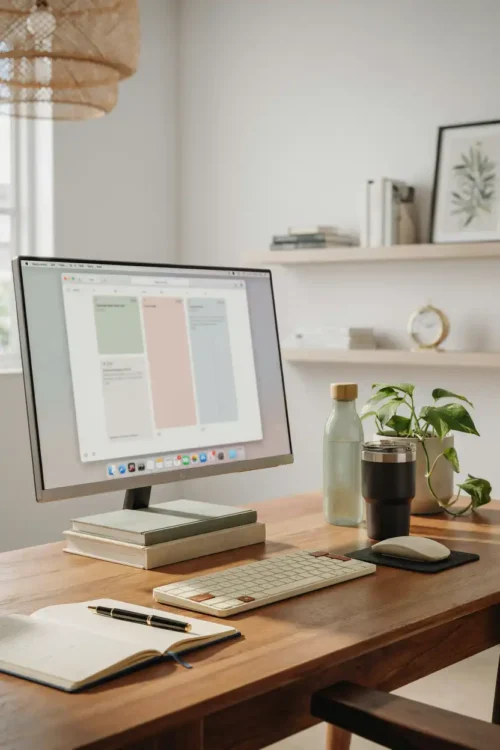
You leave your desk to get water or coffee, break your focus, and come back distracted. The trip feels like permission to check your phone or start a different task.
A water bottle and insulated coffee cup on your desk eliminate the excuse to leave. Your focus stays intact. Your hydration improves without the disruption.
This tiny change compounds across the day. Five trips to the kitchen become five interruptions that never happen. Your afternoon work feels sharper.
A Clock You Can Actually See
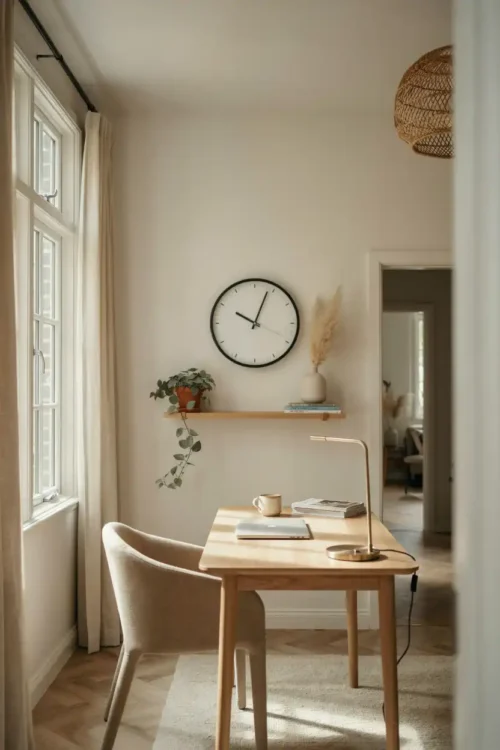
You don’t have a clock in your office, so you check your phone to see the time. Instantly you see notifications and lose focus. Twenty minutes vanish.
A visible clock on the wall (or desk, or monitor) tells you the time without reaching for your phone. Your focus stays on work.
This sounds trivial until you realize how many times per day you check the time. A clock costs fifteen dollars and protects your focus.
Final Thoughts on Home Office Setup
A productive home office isn’t about fancy furniture or aesthetic perfection. It’s about removing the small frictions that accumulate through the day. When your monitor is at eye level, your keyboard is at wrist height, your cables are organized, and your supplies are within reach, work stops feeling like friction and starts feeling like flow.
The setup matters more than the willpower. You can’t focus hard enough to overcome a bad chair, bad lighting, and constant reaching. Fix the space, and focus becomes automatic.
FAQ About Home Office Setup
What’s the minimum budget to fix a broken home office? Start with a monitor arm ($30), a desk lamp ($20), and a keyboard tray ($15). These three fixes address the biggest productivity killers. Everything else builds from there.
Do I need a separate room for a home office? No. You need a visual or physical boundary that separates work from life. A closed door helps, but a desk divider, room partition, or even facing the desk away from your living space works.
How long does it take to feel the difference from setup changes? Immediately. A monitor at eye level stops neck strain within a day. Better lighting eliminates eye fatigue by afternoon. These aren’t gradual improvements—they’re instant relief you didn’t know you needed.
Sarah Mitchell’s Take
I reorganized this exact setup four times before I stopped adding things and started removing friction. The difference between a productive office and a frustrating one isn’t six thousand dollars in furniture—it’s your monitor at the right height, your chair supporting your back, and everything you need within arm’s reach. That’s it.