Your desk faces the wall. Your chair blocks the filing cabinet every time you stand up. The lamp throws a shadow straight across your keyboard. You’ve rearranged this room three separate times this month, hoping something would finally click into place.
Nothing changes because the layout itself is the real problem, not the furniture you own. Most home offices fail because people squeeze furniture into whatever space happens to be available, without thought. Few people build around how they actually work.
These 23 layouts come from real homes, not staged photos. You’ll recognize your setup here, and fixing it gets easier once you handle your desk organization for tighter spaces.
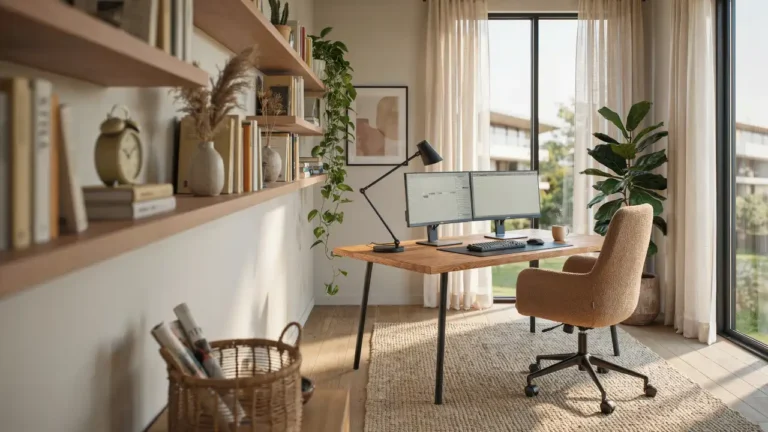
The Desk Facing the Window
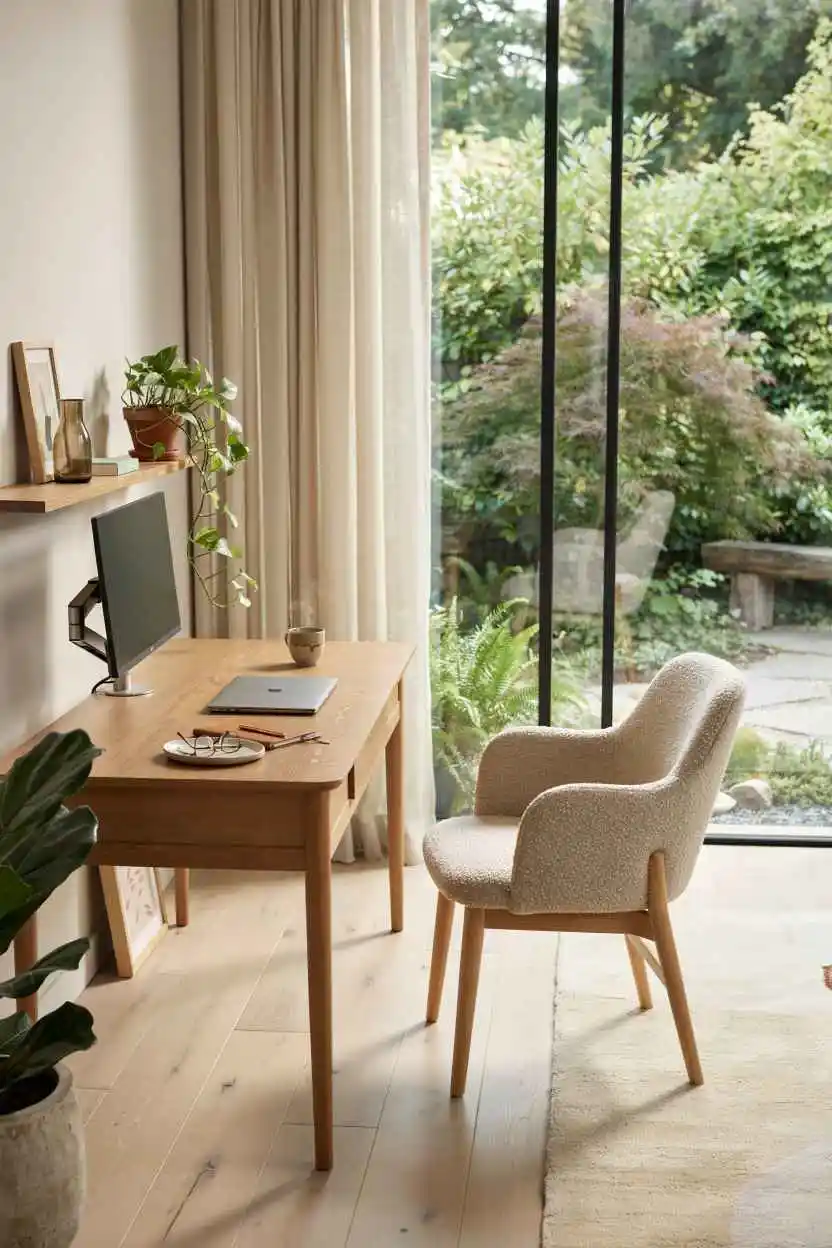
Natural light hits your work surface without creating screen glare. Your eyes rest on the outdoors instead of a blank wall, which reduces afternoon fatigue. Most people waste the best window in the room by putting their back to it.
Position your desk perpendicular to the window rather than directly facing it. This gives you daylight on one side while keeping sun off your monitor. Your brain stays sharper during long work sessions when you can see beyond four walls.
The window view only works if you actually maintain the sightline. Heavy curtains or stacks of papers on the windowsill kill the benefit instantly.
The L-Shaped Desk in the Corner
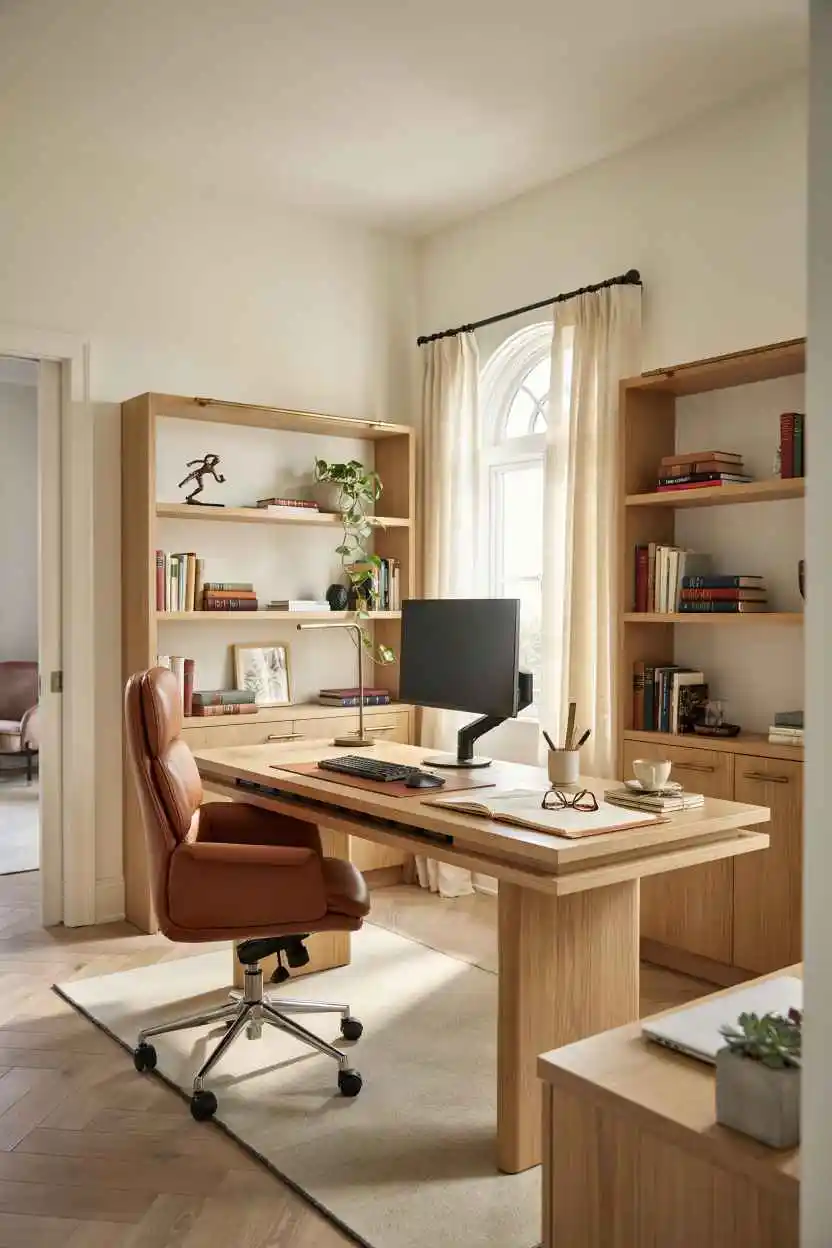
Two surfaces give you separate zones—one for the computer, one for paperwork or projects. Your main work stays contained on the primary surface while reference materials live on the return. The corner becomes functional instead of dead space.
An L-desk uses the corner that every office has but nobody knows how to fill. Eight square feet of wasted corner becomes your actual workspace. Your chair spins between surfaces instead of requiring you to turn your whole body or stand up.
This layout fails when the secondary surface becomes a dumping ground. If it turns into a junk shelf, you’ve just created more visual chaos while stealing your actual workspace.
The Floating Desk Away From the Wall
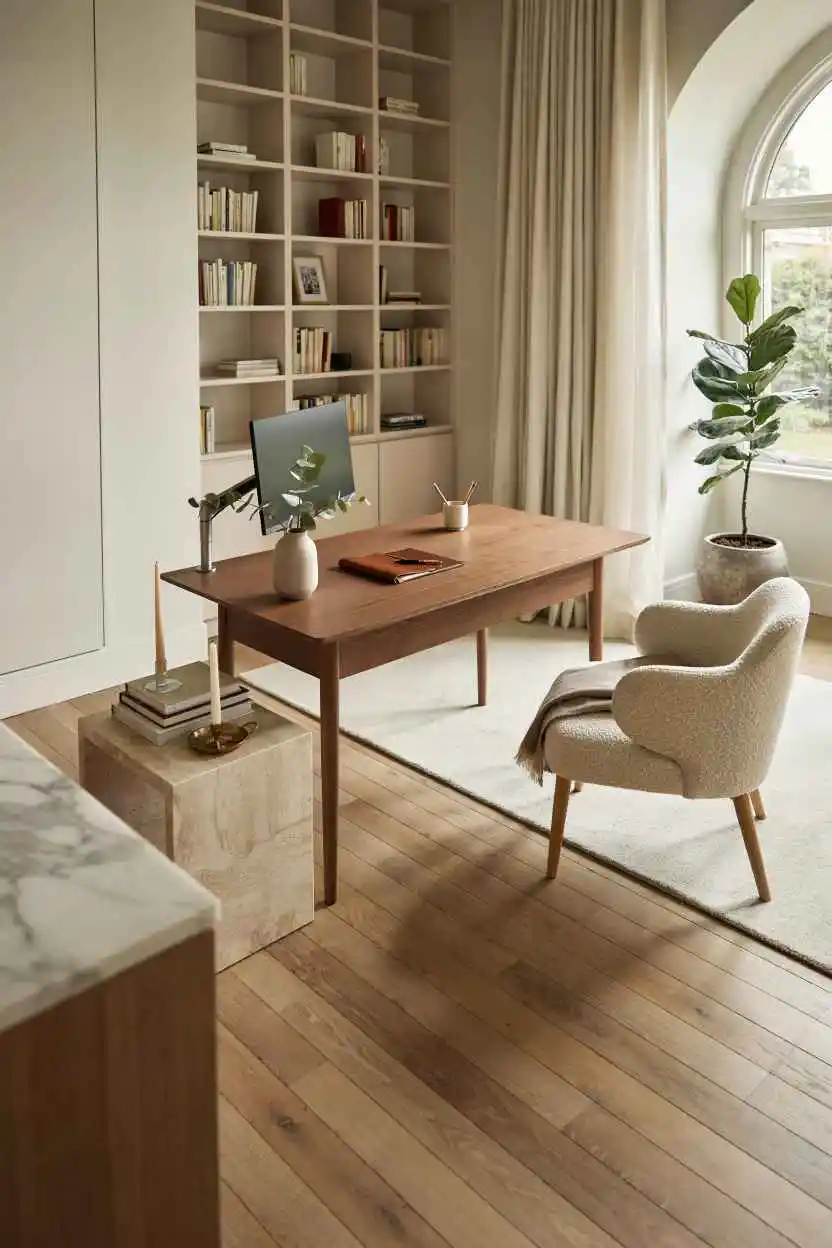
Your desk hovers in the middle of the room instead of hugging the wall. This creates a visual boundary between work and living space without needing a door. You see people entering the room, which keeps you from jumping when someone arrives.
A floating desk works best in larger offices or open-concept spaces where walls are already broken up. It gives you defined edges around your workspace. The area behind the desk becomes a buffer zone instead of a tight corner.
Most small apartments can’t float a desk. The moment you pull furniture away from walls, the room feels cramped instead of spacious.
The Desk Under a Floating Shelf
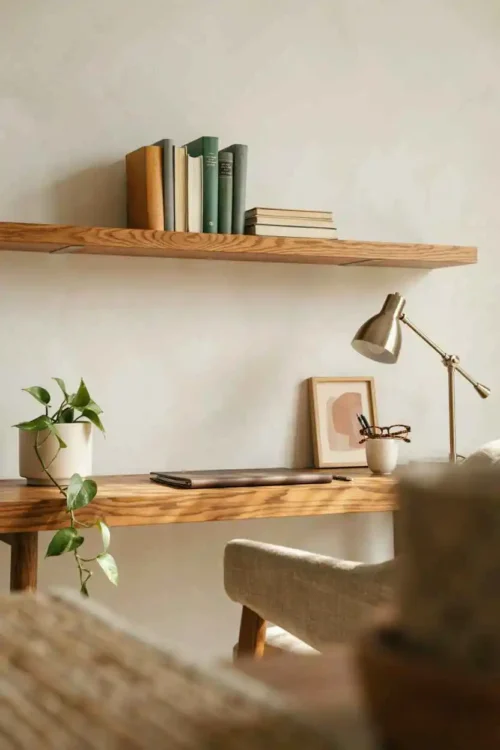
Twelve inches above your monitor holds notebooks, a small lamp, and supplies without eating desk depth. The shelf creates visual containment around your work area. Your shoulders relax because supplies are accessible without reaching across your workspace.
A narrow floating shelf holds everything that otherwise clutters your desktop. Pens, notepads, and USB drives live in the twelve-inch zone instead of in drawers you have to open. Your desk surface stays clear for actual work.
This only works if the shelf stays organized. An overloaded floating shelf looks worse than an empty desk because it creates visual weight directly above your head.
The Desk Positioned for the Doorway View
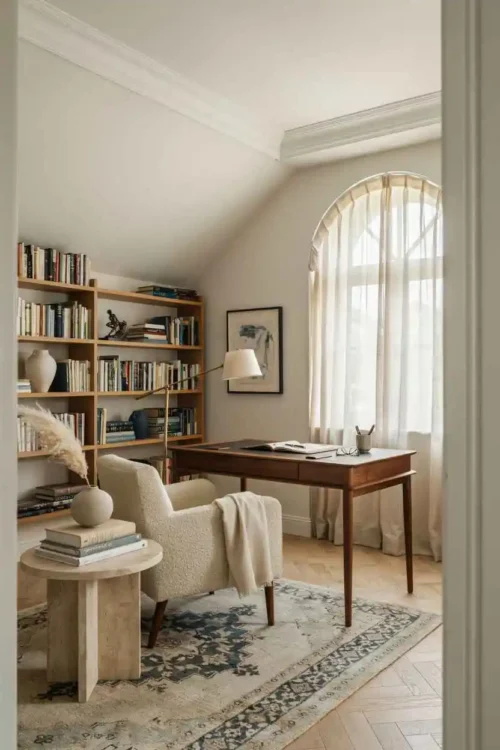
Sitting at your desk, you see directly into the doorway or the main entry to your office space. Nobody sneaks up on you. Your brain doesn’t jump whenever someone appears because you caught their movement in your peripheral vision.
This positioning feels controlling instead of anxious. You maintain awareness without constantly turning your head. Remote workers especially notice the difference because they stop flinching at every sound.
The downside: if you work with video calls, you’re now looking at whoever walks by instead of keeping focus on your screen. This layout works for solo work, not constant collaboration.
The Two-Desk Setup for Dual Monitors or Dual Work
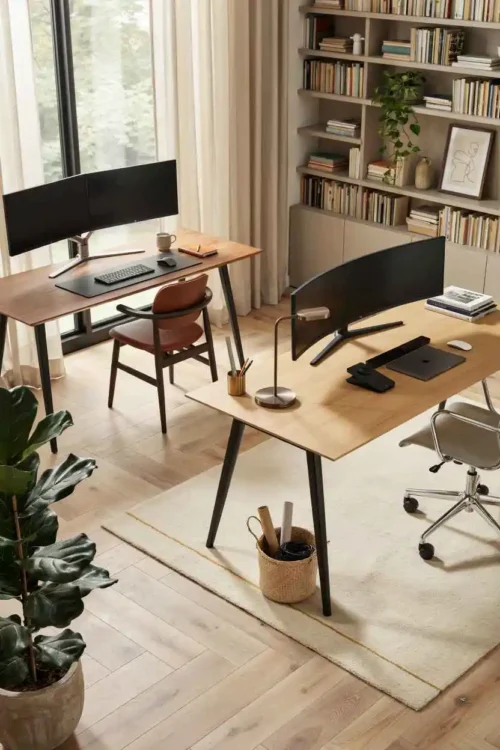
Two smaller desks positioned at an angle give you room for different projects simultaneously. Your main computer sits on one surface while reference materials, sketches, or a second task lives on the other. You don’t have to clear and reset between switching tasks.
This doubles your functional workspace without requiring a massive desktop. An angled arrangement lets you see both surfaces without twisting. You maintain focus on one area while keeping the other in your peripheral vision.
Two desks only work if you actually use both surfaces regularly. If one becomes a storage shelf, you’ve wasted valuable real estate.
The Standing Desk With a Stool
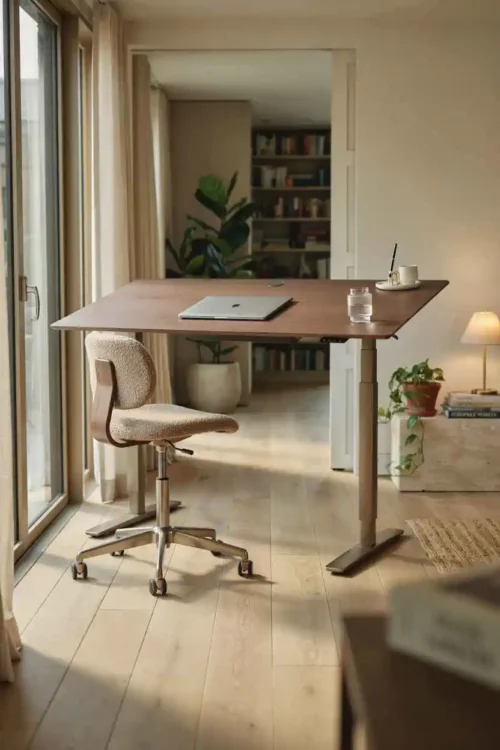
You alternate between standing and perching throughout the day. Your posture shifts naturally without requiring a formal sit-stand transition. The stool lets you rest without fully committing to sitting.
Standing desks fail because people stand for two hours then abandon the whole concept. A stool lets you move fluidly between positions. Your back doesn’t lock up from standing too long, and your legs don’t go numb from sitting too long.
Position the stool under the desk when standing so it doesn’t interrupt your workflow. It should feel like an option, not clutter.
The Desk Along the Longest Wall
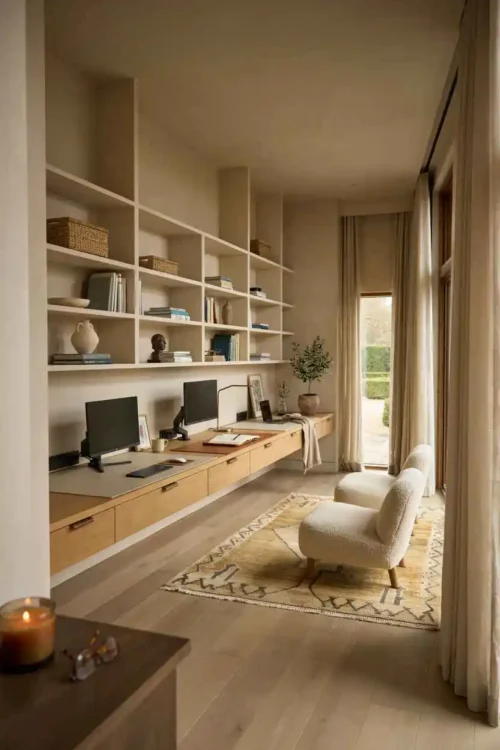
Your workspace stretches along the room’s longest line instead of taking up a shorter wall. This creates a deeper work surface without making the room feel narrower. More of your periphery stays clear for movement.
A long desk against a long wall creates visual balance. The room doesn’t feel cramped because furniture follows the natural lines. You gain uninterrupted length for multiple monitors, papers, or projects.
The risk: a long empty desktop becomes a catching point for mail, receipts, and random papers. Without intentional organization, length breeds clutter faster than shorter surfaces.
The Desk Angled in the Corner
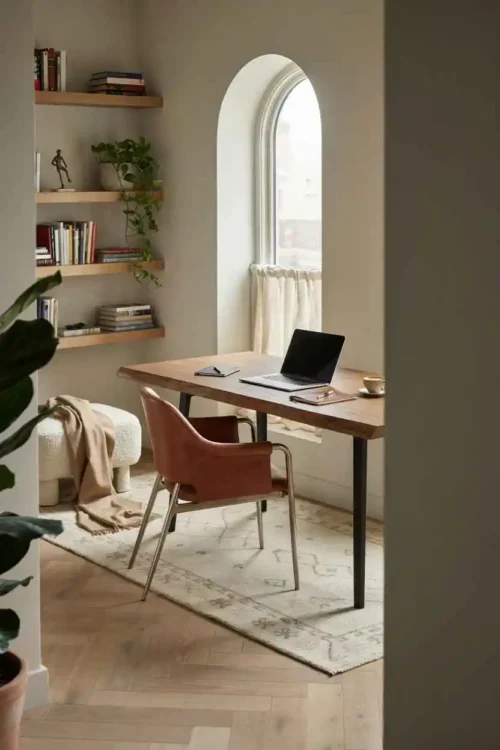
Instead of fighting the corner with traditional placement, angle your desk so one edge sits deep in the corner while the other extends into the room. This creates visual softness instead of hard corner points. You gain more usable surface area than an L-desk without the extra furniture footprint.
Angled placement breaks up the boxy feeling that corners create. Your desk doesn’t disappear into the corner—it becomes a design feature. The angle also creates an automatic visual boundary between spaces and your workspace.
This works in rooms where you need flexibility. You get the corner benefit without committing to a full L-shaped desk.
The Desk Facing Into the Room
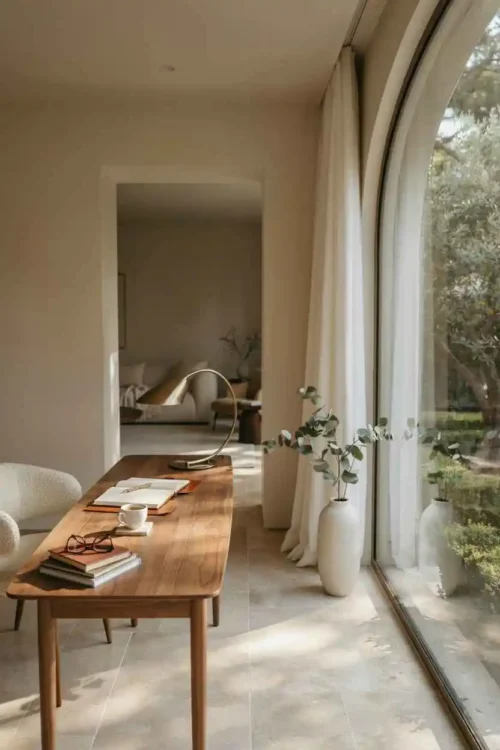
Your desk points toward the center of the space instead of toward a wall or window. You face an open room instead of a surface. Your peripheral vision picks up movement, light, and depth.
This orientation feels expansive instead of claustrophobic. Your brain processes more visual information, which reduces the tunnel-vision feeling of facing a wall. Most creative work benefits from this open sightline.
The downside: distractions multiply. Every movement in the house pulls your attention. If you live with others, this layout becomes exhausting because you can’t help but notice them.
The Desk in Front of a Statement Wall
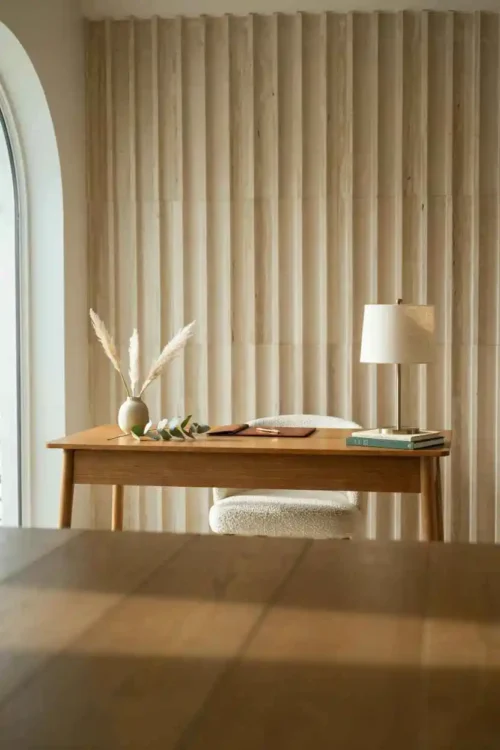
A textured wall, painted accent wall, or wallpapered surface sits directly behind your desk. This becomes your video background during calls. Your workspace looks intentional and polished on camera without needing a fake backdrop.
A patterned or bold wall behind the desk frames your workspace visually. You don’t need to worry about what’s visible behind you during video meetings. The wall becomes part of your professional presentation naturally.
Make sure the wall isn’t so busy that it distracts you during work. You’re staring at it eight hours a day, not just on camera.
The Desk With the Filing Cabinet as a Privacy Wall
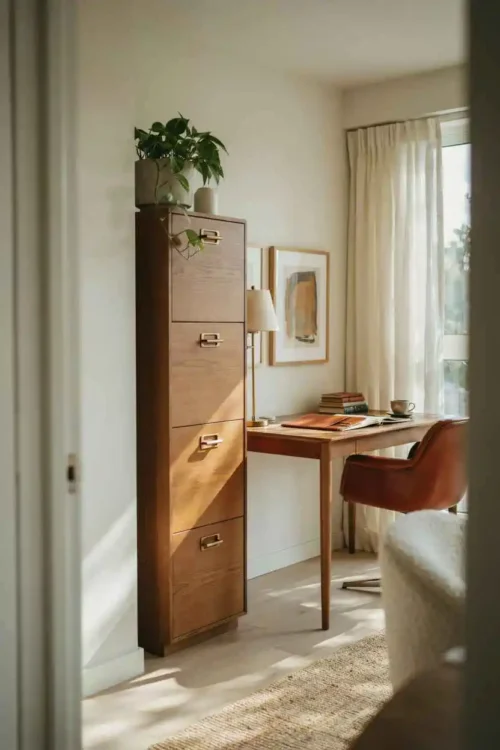
A tall filing cabinet stands to the side of your desk, creating a vertical boundary. It blocks sightlines into your workspace from the doorway. Papers live in the cabinet instead of scattered on your desk.
A filing cabinet serves double duty as storage and a privacy barrier. It defines your space without needing a room divider. You keep confidential work out of view without building an actual wall.
This only works if you actually file things. A filing cabinet sitting empty while papers pile on your desk defeats the purpose entirely.
The Desk With Shelving Above for Reference Materials
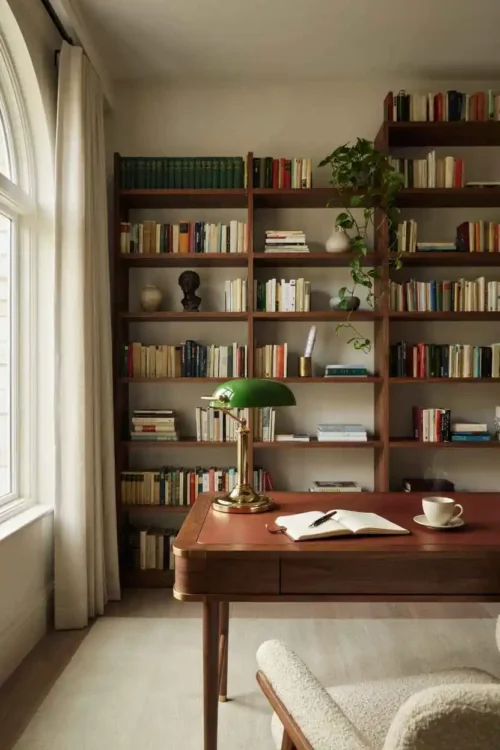
Open shelving floats above your desk, holding books, manuals, and reference materials within arm’s reach. You don’t have to stand up or move to access information. Your brain stays focused on the task instead of on retrieving materials from across the room.
Shelving above the desk keeps reference materials visible and accessible. A manual you need constantly lives at eye level instead of in a cabinet across the room. The vertical storage saves your desk surface for actual work.
Make sure the shelving doesn’t hang so low that it creates a cave-like feeling. You need headroom even while sitting, or the setup starts feeling claustrophobic by afternoon.
The Desk in a Closet Nook
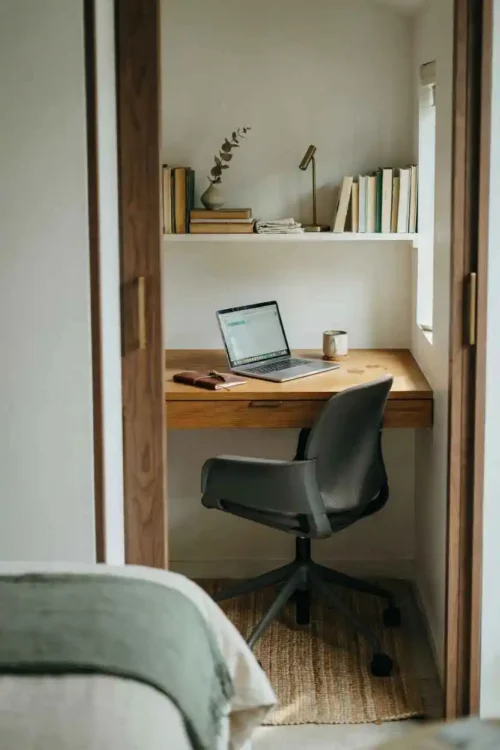
A deep closet or alcove becomes a micro office with a small desk, a chair, and a narrow shelf. The walls create acoustic dampening that reduces outside noise without needing expensive panels. Closing the door creates a psychological separation from your home.
A closet office forces minimalism because clutter has nowhere to hide. You can’t accumulate supplies beyond what fits in the space. The physical boundary between work and home becomes literal—you step inside to work, you step out to live.
This works for introverts who need silence. For anyone who gets claustrophobic, a closet office becomes a cage after eight hours.
The Desk Positioned for Natural Breaks
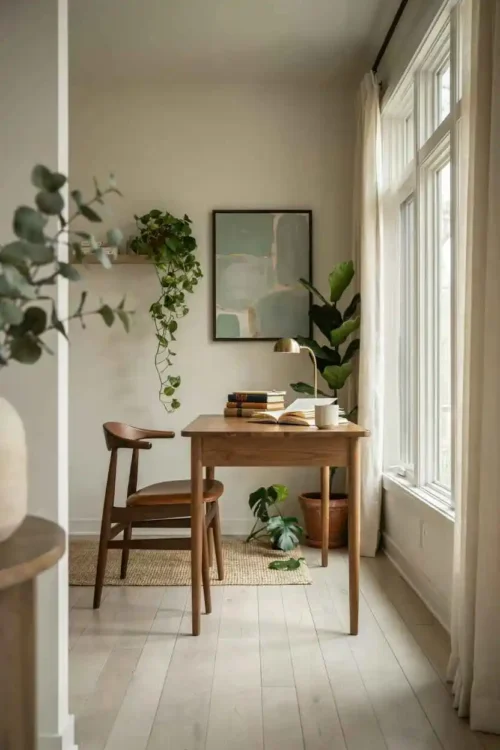
Your desk faces a wall—not a blank one, but a wall with something to rest your eyes on. A plant, artwork, or a simple frame gives your vision something to focus on during mental breaks. You’re not staring at blank drywall for eight hours.
When you look up from your monitor, your eyes land on something worth seeing. This breaks the monotony without pulling you into social media or your phone. A plant or art provides rest without distraction during the 20-20-20 rule (every 20 minutes, look at something 20 feet away for 20 seconds).
A blank wall forces your eyes back to the screen. Your eyes never truly rest, which builds fatigue over the course of the day and compounds by Friday.
The Desk With Acoustic Panels Behind
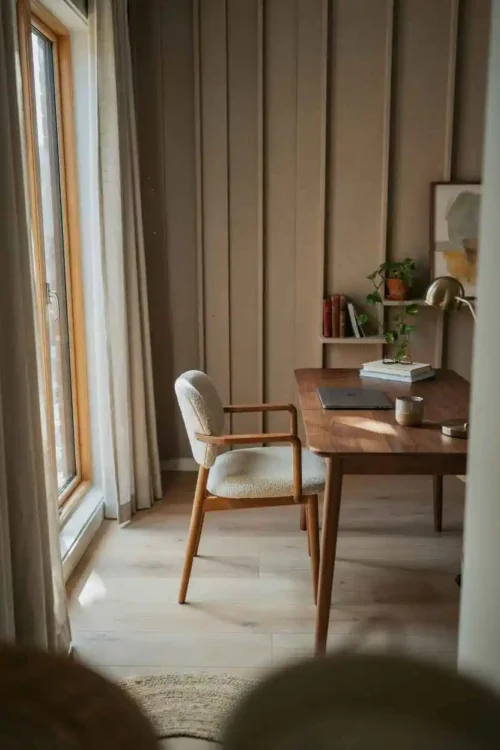
Sound-absorbing panels hang behind or beside your desk, reducing echo and ambient noise. Your voice sounds clearer on video calls without sounding muffled or distant. Background noise from the rest of the house diminishes without requiring a closed door or expensive soundproofing.
Acoustic panels kill reverb that makes small spaces feel empty and makes your voice sound unprofessional on calls. Your voice projects crisply during meetings instead of bouncing around the room. The panels also absorb noise from outside the office, creating a quieter work environment.
Panels work best on the wall behind you so the microphone picks up clearer audio. Don’t cover so much wall that the space feels like a recording studio instead of an office.
The Desk Positioned Away From High-Traffic Zones
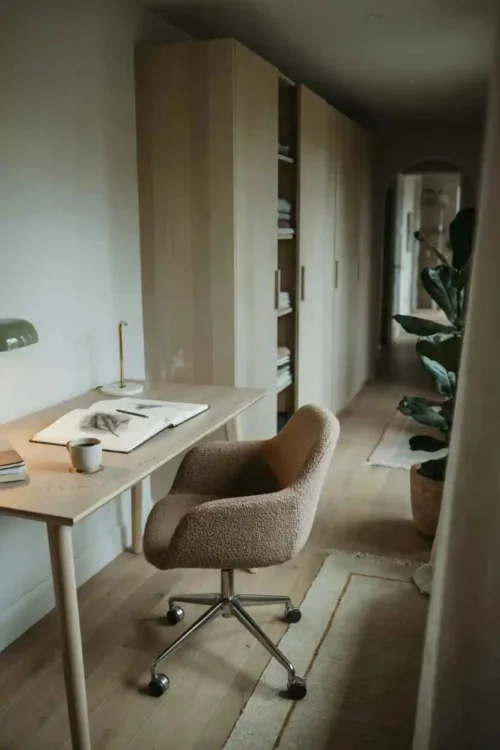
Your desk sits in a spot where people rarely walk. You’re not directly in the path between the bathroom and the kitchen. Movement through the house doesn’t interrupt your concentration every two minutes.
Location matters more than most people realize. A desk in a high-traffic hallway guarantees constant interruptions that fragment your focus. Moving it to a quieter corner instantly improves concentration and reduces the number of times you lose your train of thought.
If your office shares a space with a walkway, angle the desk so people pass behind you instead of in front of your monitor. You catch movement peripherally instead of watching them pass and losing focus.
The Desk With a Hutch Overhead
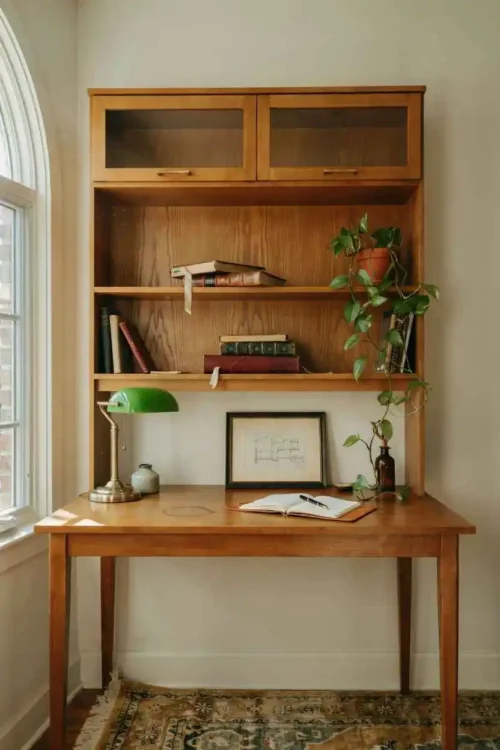
A hutch or overhead storage unit sits on top of or attached to your desk, creating a contained workspace. Supplies live above instead of spreading across your surface like a supply explosion. The height creates a cocoon-like focus area that visually separates your workspace from the rest of the room.
A hutch keeps supplies contained within your immediate reach. You don’t lean across your desk or stand up to grab supplies. The overhead structure creates visual definition around your work zone and prevents clutter from migrating outward.
Hutches work best on smaller desks. On a large workspace, they look cramped and create shadows on your work surface that defeat the purpose.
The Desk With a Monitor Arm Instead of a Stand
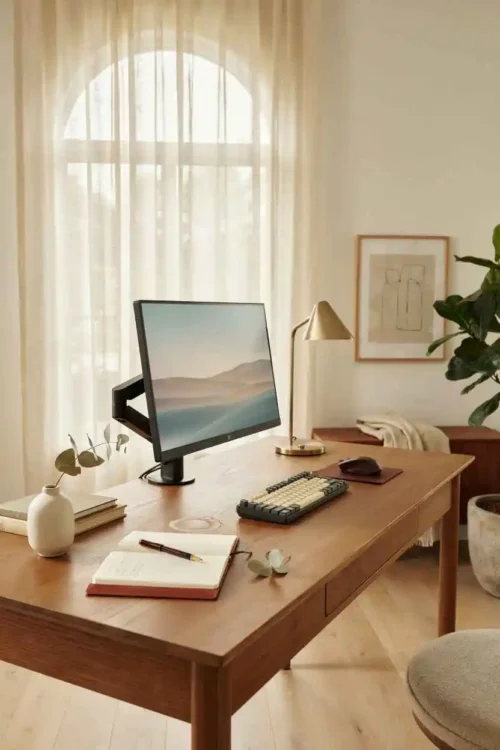
A monitor arm clamps to the desk instead of sitting on a stand, freeing up surface space beneath the screen. Cords run up the arm instead of trailing across your desk in a tangled mess. Your actual work surface expands instantly without buying additional furniture.
Monitor arms clear desk real estate that a traditional stand wastes. Cables run vertically instead of creating a tangle under your monitor that collects dust and limits movement. The arm also lets you adjust height and angle for better ergonomics instead of accepting whatever the stand provides.
Cheap arms wobble and drift during the day. Invest in a quality mount so your monitor stays stable and doesn’t shift every time you move or type heavily.
The Desk Angled Toward Natural Light Without Screen Glare
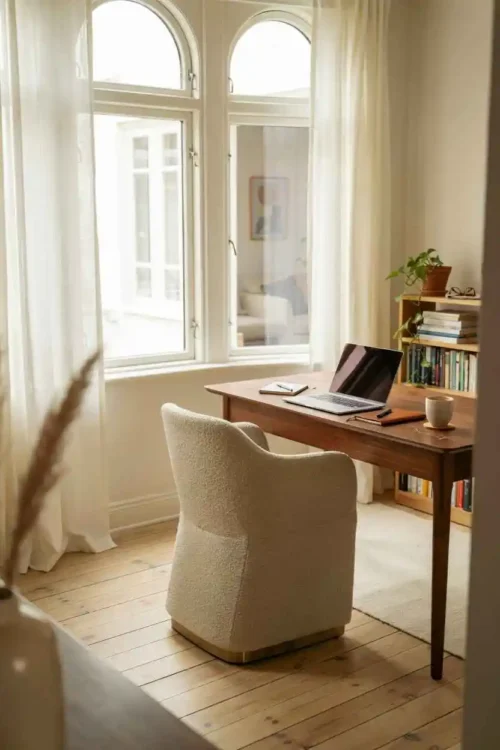
Your desk angles toward a window or natural light source, but your monitor stays at an angle that prevents glare. You gain daylight benefits without the reflection problem that washes out your screen. Your screen stays visible while your workspace stays bright enough to reduce eye strain.
Angling the desk rather than moving it lets you control both daylight and glare simultaneously. You position your monitor to catch light from the side instead of directly. Your eyes stay sharp because daylight fills the space without washing out your screen or creating reflections.
Test the angle at different times of day. Morning light hits differently than afternoon sun, and you need a setup that works across your entire workday.
The Desk With Zones for Different Tasks
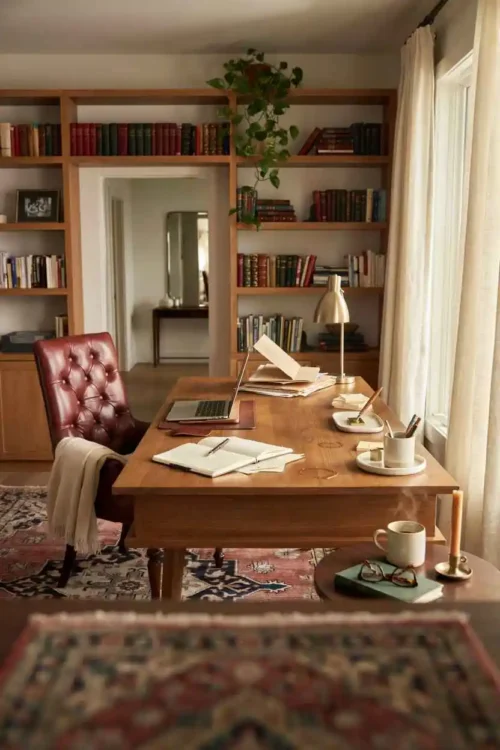
Your desktop divides into zones—computer work on the right, paperwork on the left, supplies in the middle. Each task has its own territory. You’re not constantly clearing and resetting between tasks, which breaks focus and wastes time.
Zoning creates invisible boundaries on your desktop. Your hands know where to find the supplies. Your brain organizes around these areas instead of treating your desk as one chaotic surface where everything mingles together.
This only works if you consistently maintain the zones. The moment you start piling papers randomly or treating zones as dumping grounds, the system collapses into chaos.
The Desk Positioned to Minimize Distractions
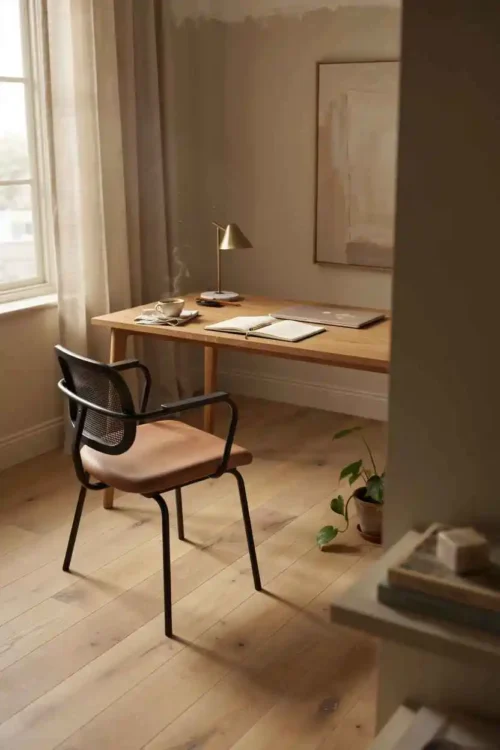
Your monitor faces away from windows, doors, and televisions. Your field of view narrows to just the work. Outside movement doesn’t pull your attention constantly, and you’re not tempted by whatever’s on the TV in the next room.
Positioning the desk to eliminate distractions forces focus through physical arrangement. You’re not watching people pass, cars drive by, or your phone notifications. Your peripheral vision stays empty except for work.
This feels isolating to some people. If you need external stimulation to stay engaged, facing a blank wall drives you crazy by midday and kills your productivity.
The Desk Creating a Room Divider
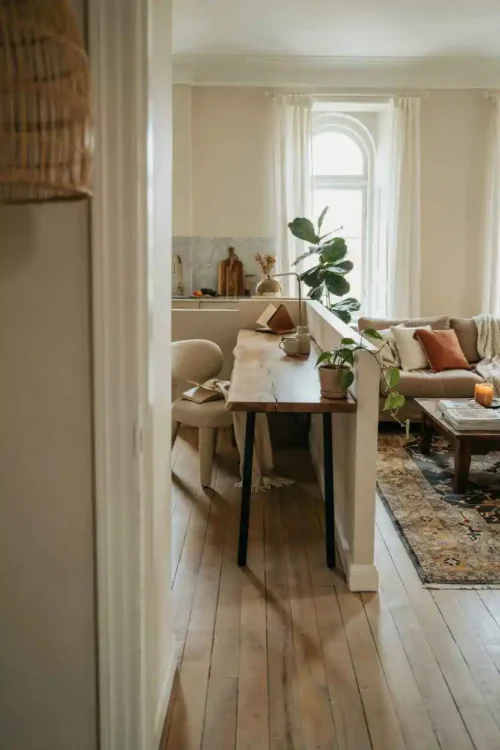
Your desk doubles as a visual boundary between spaces without needing a separate room divider or wall. The back of your desk becomes a design feature that separates work from living. You create distinct zones in an open space using furniture instead of walls.
This layout works in studio apartments or open-concept homes where you can’t build separate rooms. The desk becomes a spatial anchor that tells visitors “this side is work, that side is living.” You maintain psychological separation without sacrificing square footage.
The downside: someone sitting on the couch behind your desk still pulls your attention. A high-backed chair or a small privacy panel behind the desk helps more than the desk alone.
Final Thoughts on Home Office Layout
The right layout isn’t about following rules—it’s about understanding how you actually work. Some people need a view and natural light to stay motivated. Others need silence and a contained space to focus. Your layout should match your work habits, not your office design Pinterest board.
Most offices fail because the layout was set up once and never adjusted. Small tweaks—moving the desk six inches, adding a shelf, repositioning the chair—compound into completely different workflows. Test small changes before committing to the big ones, and don’t be afraid to rearrange again if something stops working.
FAQ About Home Office Layout
What’s the difference between a good layout and one that drains your energy?
A good layout keeps you focused without requiring constant physical adjustment. You’re not twisting to see your monitor, reaching across your body for supplies, or getting interrupted by movement. A draining layout forces you to compromise constantly—sitting in an uncomfortable angle, standing up repeatedly, or fighting distractions. Energy drain accumulates over weeks, and you don’t notice until you’re exhausted by Thursday.
Should I prioritize natural light or minimizing distractions?
This depends entirely on your work type. Creative work thrives with natural light and environmental stimulation. Analytical or detail-oriented work needs silence and minimal distraction. If you do both, compromise by positioning your desk at a 45-degree angle to the window so you get daylight on your periphery without constant movement catching your eye.
How do I know if my current layout is actually broken, or if I just need to get better at organizing?
If you rearrange your desk more than twice a year, the layout itself is the problem, not your organization skills. If you organize, stay organized for a month, then slide back into chaos, the desk location or workspace design is fighting against your natural workflow. A truly good layout makes organization feel effortless because everything has a logical place.
Sarah Mitchell’s Take
I’ve reorganized this same desk layout four times in one year before realizing the layout wasn’t the problem—I was fighting against how I actually work instead of designing around it. The moment I positioned my desk away from high-traffic zones and added shelving above instead of beside, everything clicked. Small placement changes compound into real focus.